39 / 65
www.wireless-tek.com
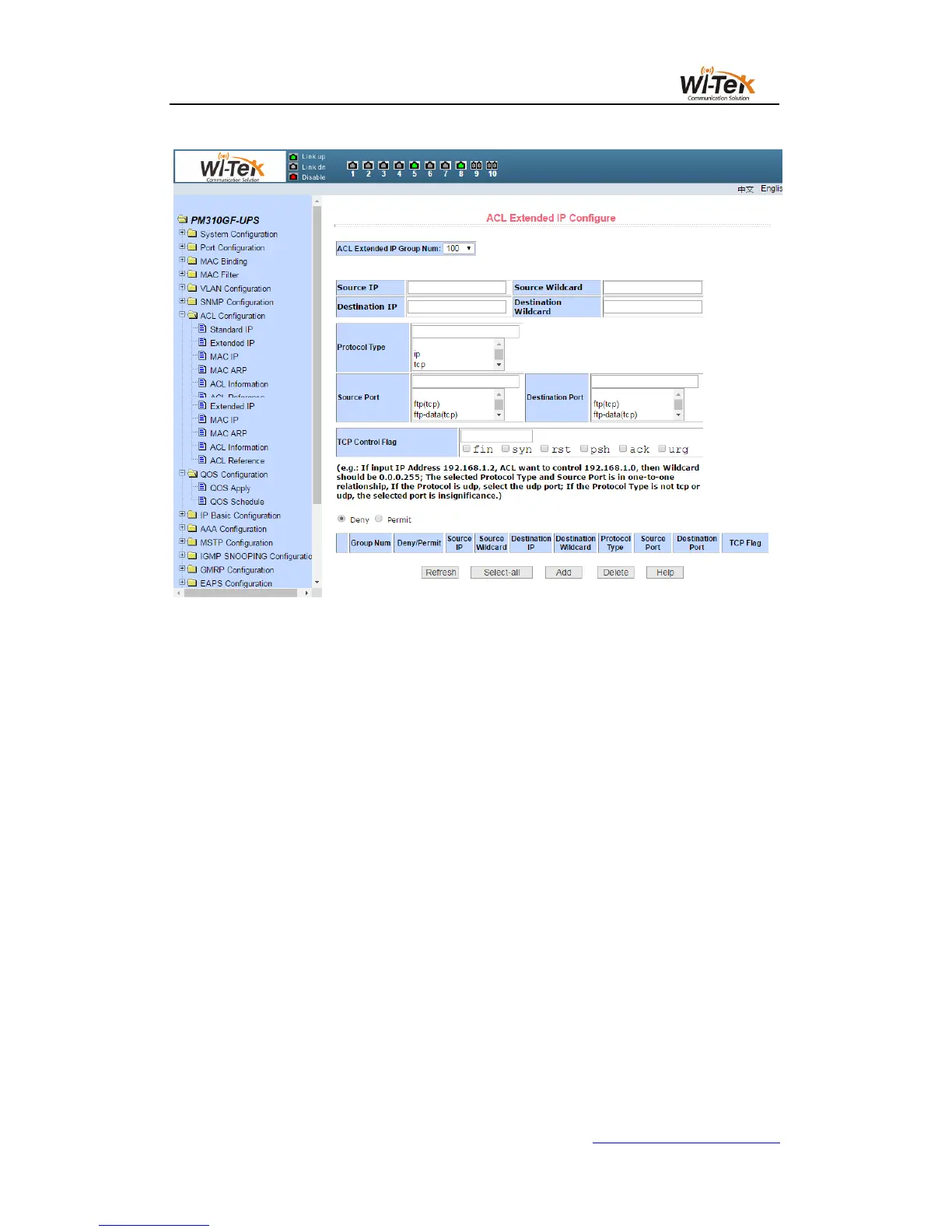
Pic 39 ACL extended IP configuration page
When a user configures a rule, the source IP address and destination IP address must be
masked. The rule can match the set of IP addresses. The address mask is represented by an
anti-code. If the rule matches the IP address range 192.168.0.0 to 192.168.0. 255, the IP
address can be 192.168.0.1 and the mask is 0.0.0.255.
When a user configures a rule, each rule must have a filtering mode: allow or deny.
When a user creates a rule in a rule group, the system automatically gives the rule a rule
number. When a rule in a rule group is deleted, the other rules are not changed and the
system automatically assigns a rule to a rule group Sort. If you want to delete the entire rule
group, you can select all, and then press the Delete key.
(3)ACL MAC IP configuration page
Figure 40 shows the ACL MAC IP configuration page. You can use this page to create a
rule base for ACL MAC addresses. The user can select an ACL group number (in the range of
700-799) to create one or more rules in the group. Fields that can match the active MAC
address (with address match bits), source IP address (with address match bit), destination IP
address (with address match bit), and VLAN ID.



 To Next Page