15
20
Support02@wimius.com
EN
On your Android phone:
On the projector
1. Click into the WiFi settings and make sure your phone is connected to the same Wi-Fi network or Hotpot as the
projector.
2. Activate Multi-Screen function on your Android device and nd the projector device, tap to connect it.
3. The display of your Android mobile device will be projected to the wall/screen via Home WiFi network data after
a successful connection.
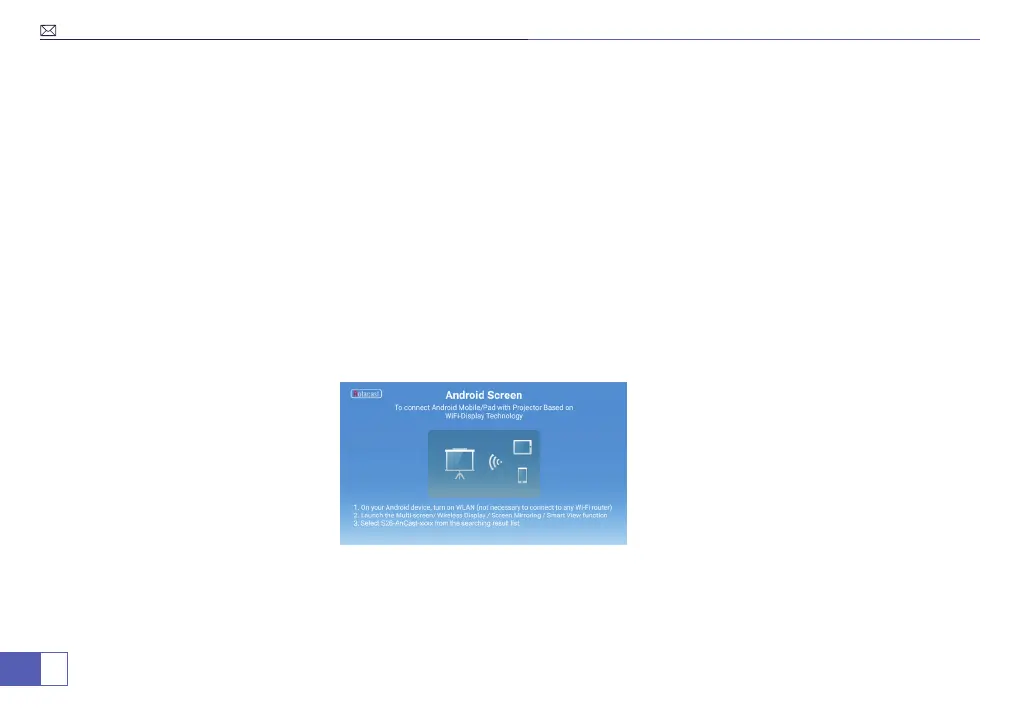
1. On the main menu, click “Miracast”.
Method 2: Connecting the phone to the projector’s WiFi directly.
Note: If the projector was connected to the home WiFi, please disconnect it rst and then enter the “Miracast”.



 To Next Page