15
13
Support02@wimius.com
EN
Language Setting
Keystone Correction & Focus & Digital Zoom
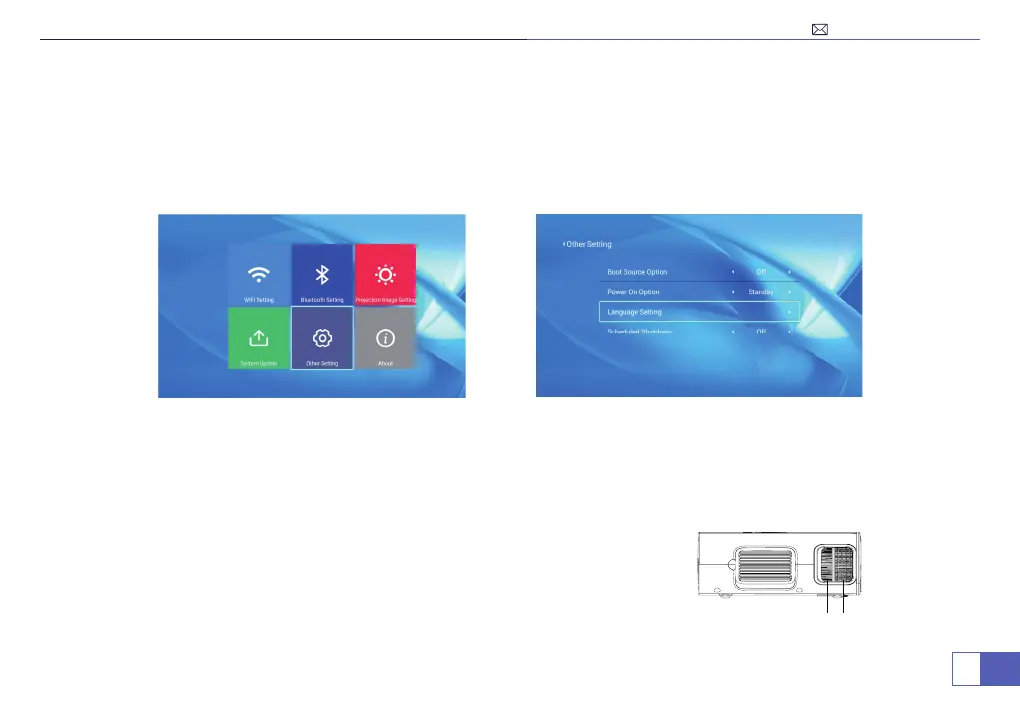
Language Change:
1. First enter the settings in the upper right corner of the main menu.
2. Then select the language setting option in "Other Setting", and choose the language you want.
To get the clearest pictures: Firstly use the remote control to adjust the keystone correction to make image rectangle
and at on the screen, then slowly rotate the focus lens to make the picture clear.
Note: Keep the projector vertical with projector screen and keep it on the same level.
1. Keystone Correction
2. Focusing
1
2



 To Next Page