15
24
Support02@wimius.com
EN
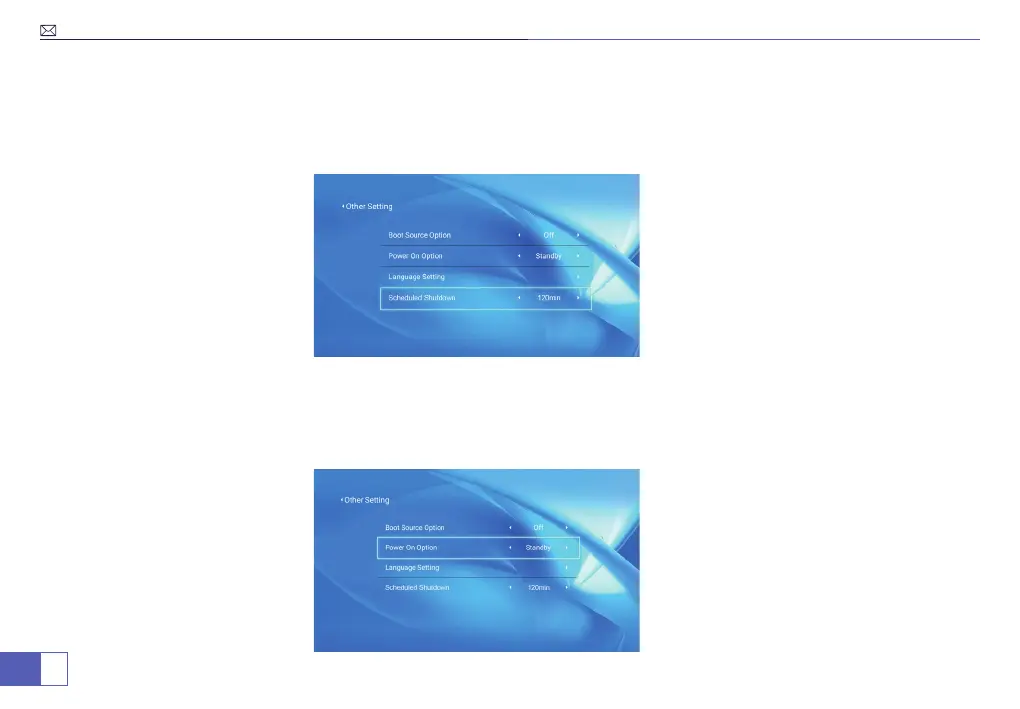
Scheduled Shutdown
Power On Option
If it’s needed, scheduled shutdown could be set.
Menu>Settings>Other Setting>Scheduled Shutdown.
Standby: When plugged into power supply, the projector will not trun on directly.
Direct: When plugged into power supply, the projector will trun on directly.
Menu>Settings>Other Setting>Power On Option.



 To Next Page