15
19
Support02@wimius.com
EN
Screen Mirroring ( For Android System)
To activate this function, your Android device must support Multi-Screen/Wireless display. Names may differ from
different devices.
There are two methods for screen projection on Android phones. The rst is to connect the phone and the projector
to the same WiFi or hotspot; the second is to connect the phone to the projector’s WiFi directly.
Method 1: connecting the phone and the projector to the same WiFi or hotspot.
Note: Both mobile phone and projector are connected to the same WiFi/hotspot.
On the projector:
1. Select "Settings" in the upper right corner on the main menu, click into it and select "WiFi Setting".
2. Turn on the WiFi function and scan, search for home WiFi/Hotspot. When the WiFi name appears in the search
list, select it to connect.
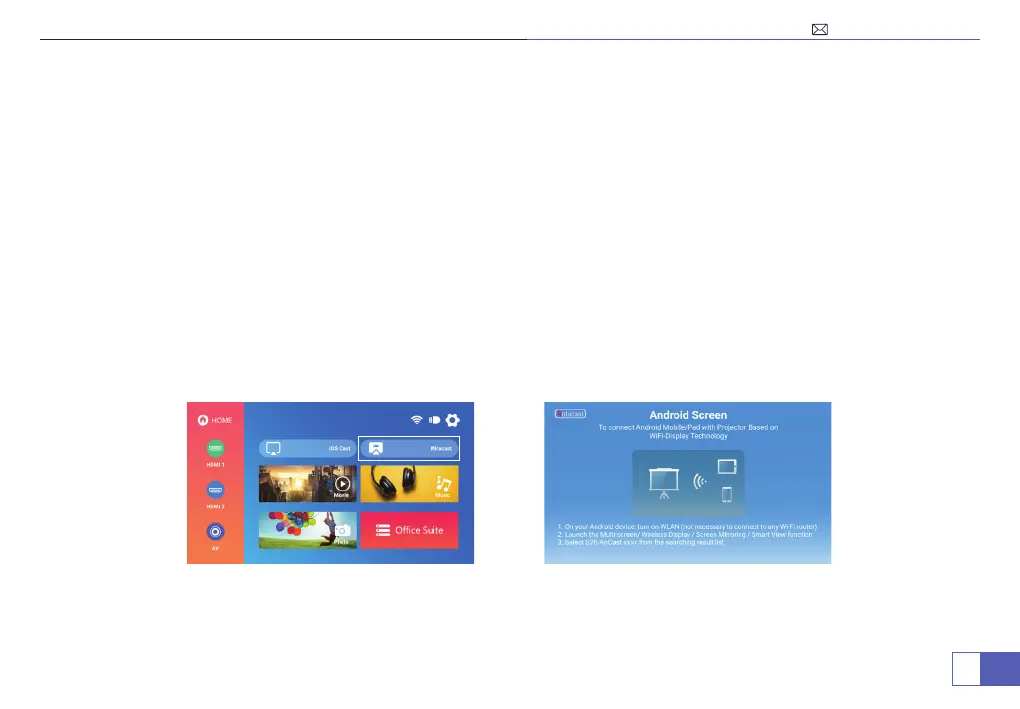
3. Return to the main menu, click “Miracast”.



 To Next Page