15
23
Support02@wimius.com
EN
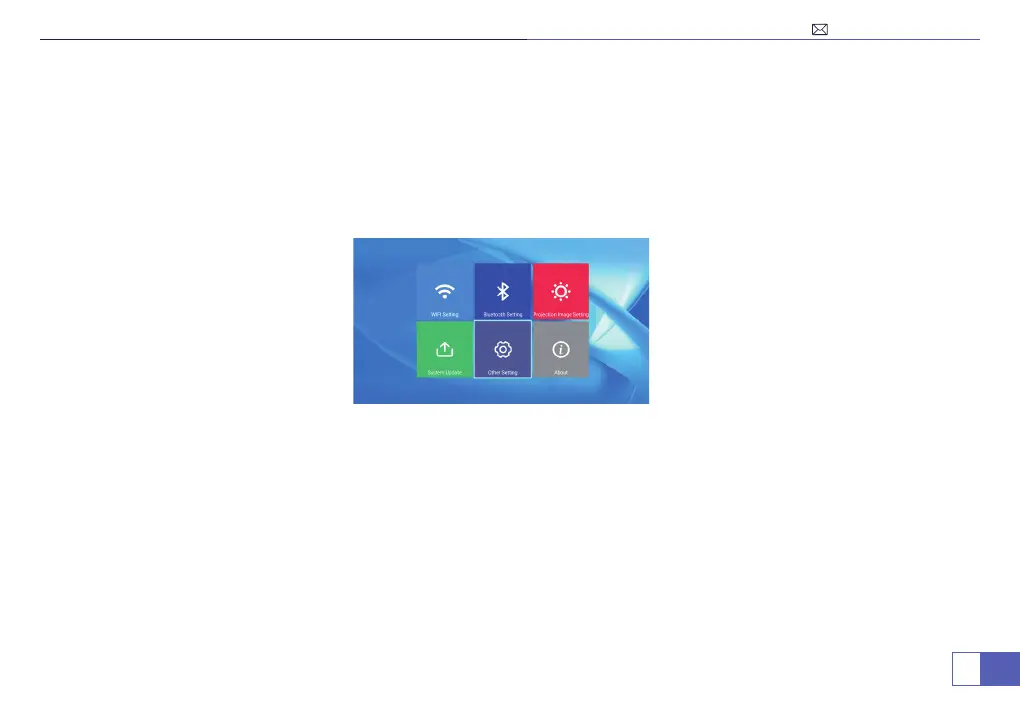
Main Menu Function
Factory Reset
System upgrade
Restore factory settings: Clear all date, restore all system settings and custom items.
Menu>Settings>System Update>Restore Factory.
Online Update: Download Update Files online.
Menu>Settings>System Update>Online Update.
Local Update: Use USB connection to provide Update Files.
Menu>Settings>System Update>Local Update.
Note: When the projector is in normal use, please do not upgrade at will.



 To Next Page