15
22
Support02@wimius.com
EN
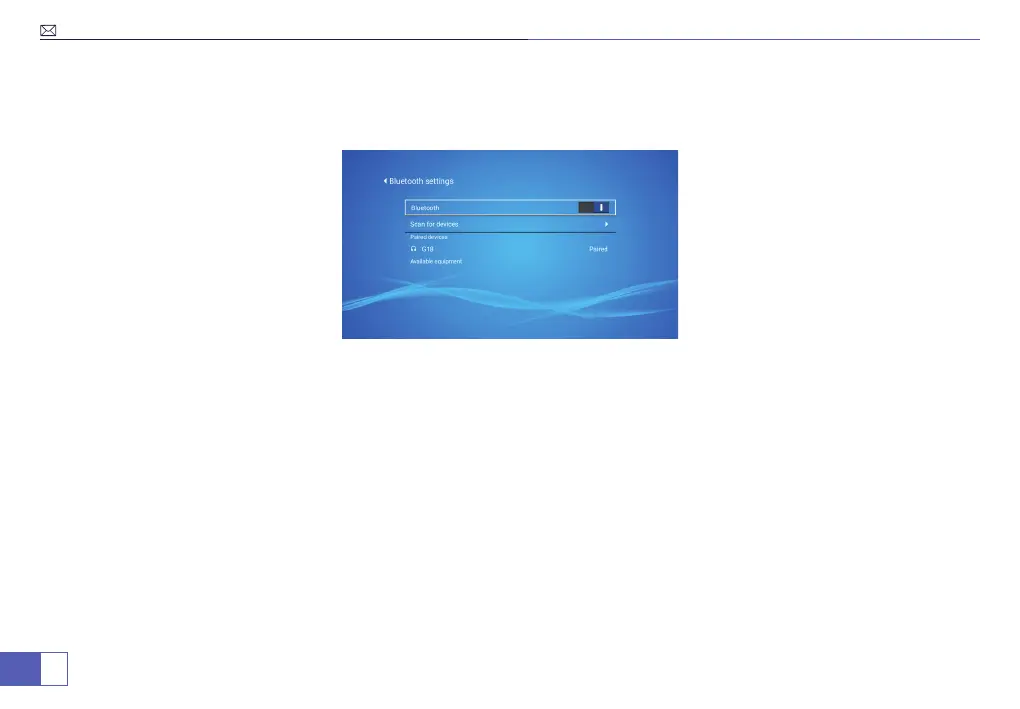
2. Turn on the Bluetooth function and Search for Bluetooth device.
3. When the desired Bluetooth device name appears in the search list then select it to connect.
Any questions please tell free to contact WiMiUS via support02@wimius.com
Tips:
1. The Bluetooth function has distance requirement, please keep the distance by 8ft.
2. The Bluetooth function can only connect one Bluetooth speaker during the use.
3. If you cannot nd the Bluetooth device, please re-star your Bluetooth device and re-search again. Or you can
contact our ofcial e-mail for support.



 To Next Page