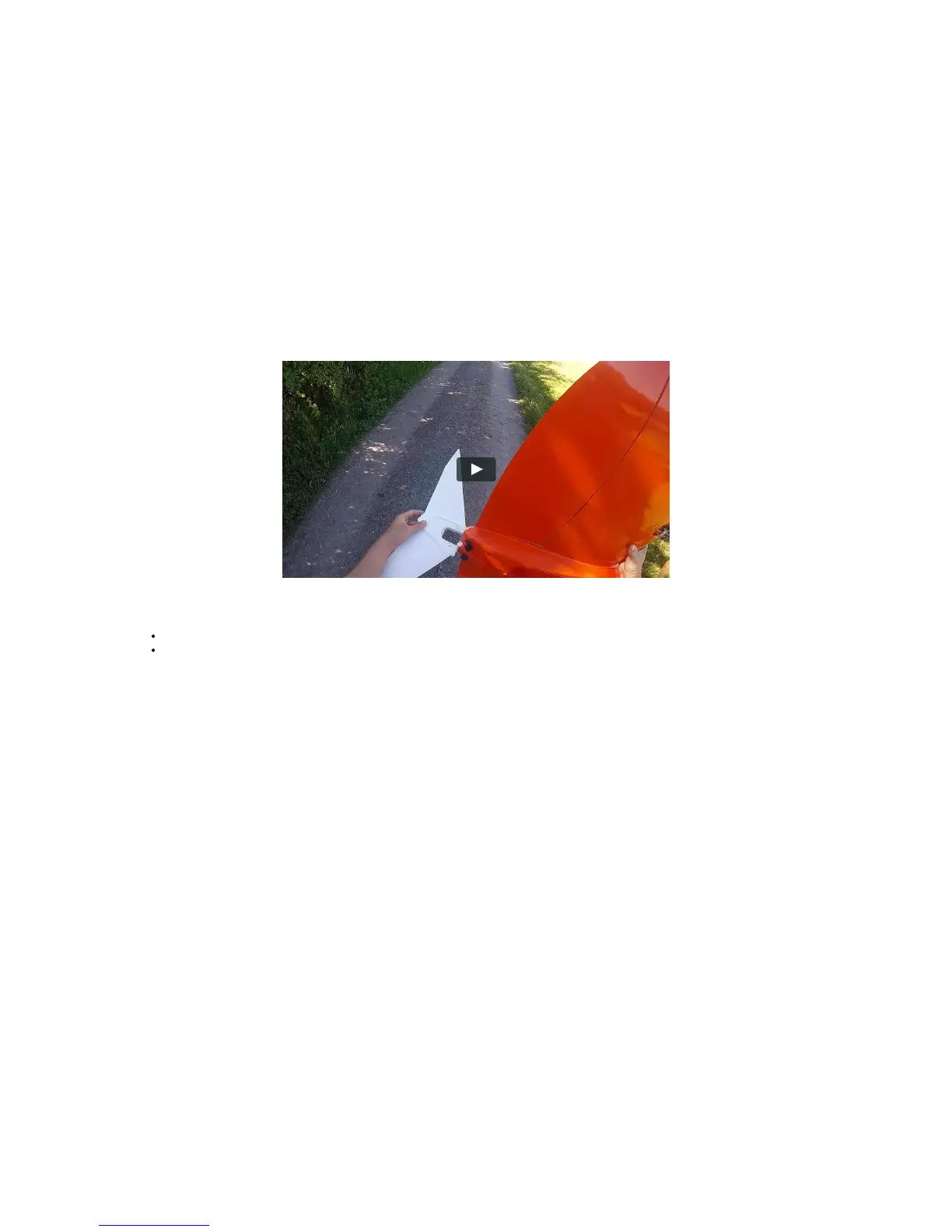
Handling of WingtraOne
Carry WingtraOne
You can carry the WingtraOne easily if you hold it at the wing area between the propellers and the battery compartment or at the motor mounts.
Attach and detach Middle Stand
The middle stand is not symmetric. Make sure that the shape of the midsection of the middle stand matches the shape of the airframe. The middle stand can not be
inserted properly in the wrong direction.
To attach the middle stand, we recommend holding WingtraOne with one hand and turning it vertically. Then simply attach the middle stand and secure it with the elastic
band.
To detach the middle stand, lift WingtraOne by holding the two motor mounts. Turn WingtraOne vertically and place one hand between the upper motor mount and the
battery compartment. With the other hand, remove the security elastic band and detach the middle stand.
Power on WingtraOne
Open battery compartment and insert batteries
Power on WingtraOne by connecting the yellow ports, the cables need a firm push. The balancer ports (white) do not need to be connected.
Make WingtraOne Ready-to-Fly
WingtraOne is equipped with a single LED-button — the Ready-to-Fly button — which needs to be pressed in the preflight procedure. Before pressing the button, no
signals are sent to the motors and flaps.
After powering on, WingtraOne enters a neutral state (not ready-to-fly), which is indicated by a slowly blinking Ready-to-Fly button (- - - - - -). By pressing the button, you
put WingtraOne into Ready-to-Fly state, indicated by a double blinking LED (-- -- -- --).
When WingtraOne enters the Ready-to-Fly state, it runs a routine that checks the functionality of both flaps by moving them back and forth, ending in a steady flap
deflection. It then starts a process to check the functionality of the camera by capturing some test pictures. For further details, see the preflight checklist chapter.
Once WingtraOne is in Ready-To-Fly state and all preflight checks have been fulfilled successfully, it's only then that you can start the flight from tablet. During flight, the
button is not blinking but solid on (-----------). After landing, the LED changes back to blinking (-- -- -- --), which means that WingtraOne can be approached without risk.



 To Next Page