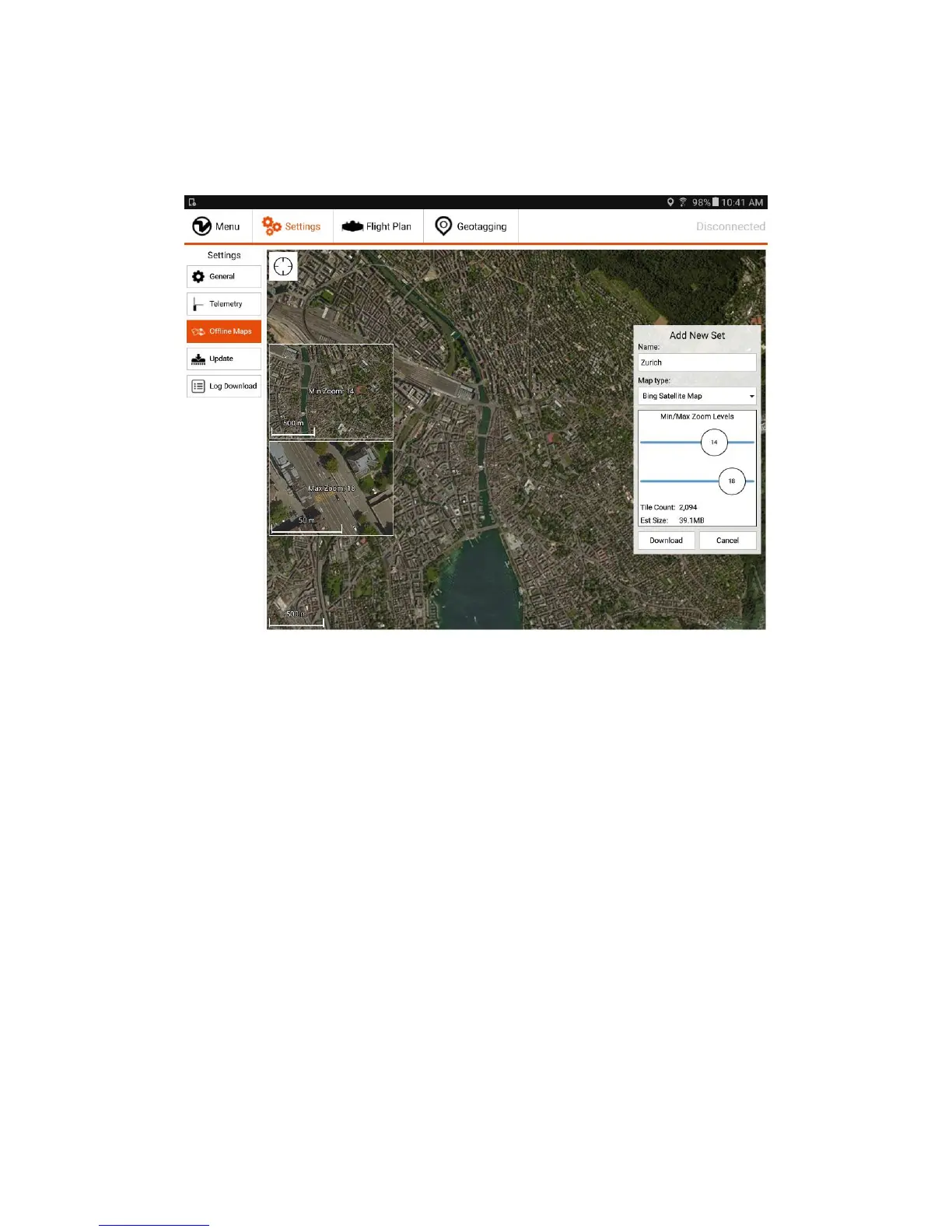
Download Maps for Offline Use
On the settings tab, select “Offline Maps” and “Add new set”. Navigate to the desired location, choose the right map type, zoom options (defaults of 14-18 should normally
be fine), give the set a descriptive name, and download.
Be patient if the tiles are not loading immediately. If the download is stuck, restart WingtraPilot, navigate to the settings tab, select "Offline Maps" again, and click onto
your new set. On the right side click onto "resume download" and be patient again.



 To Next Page