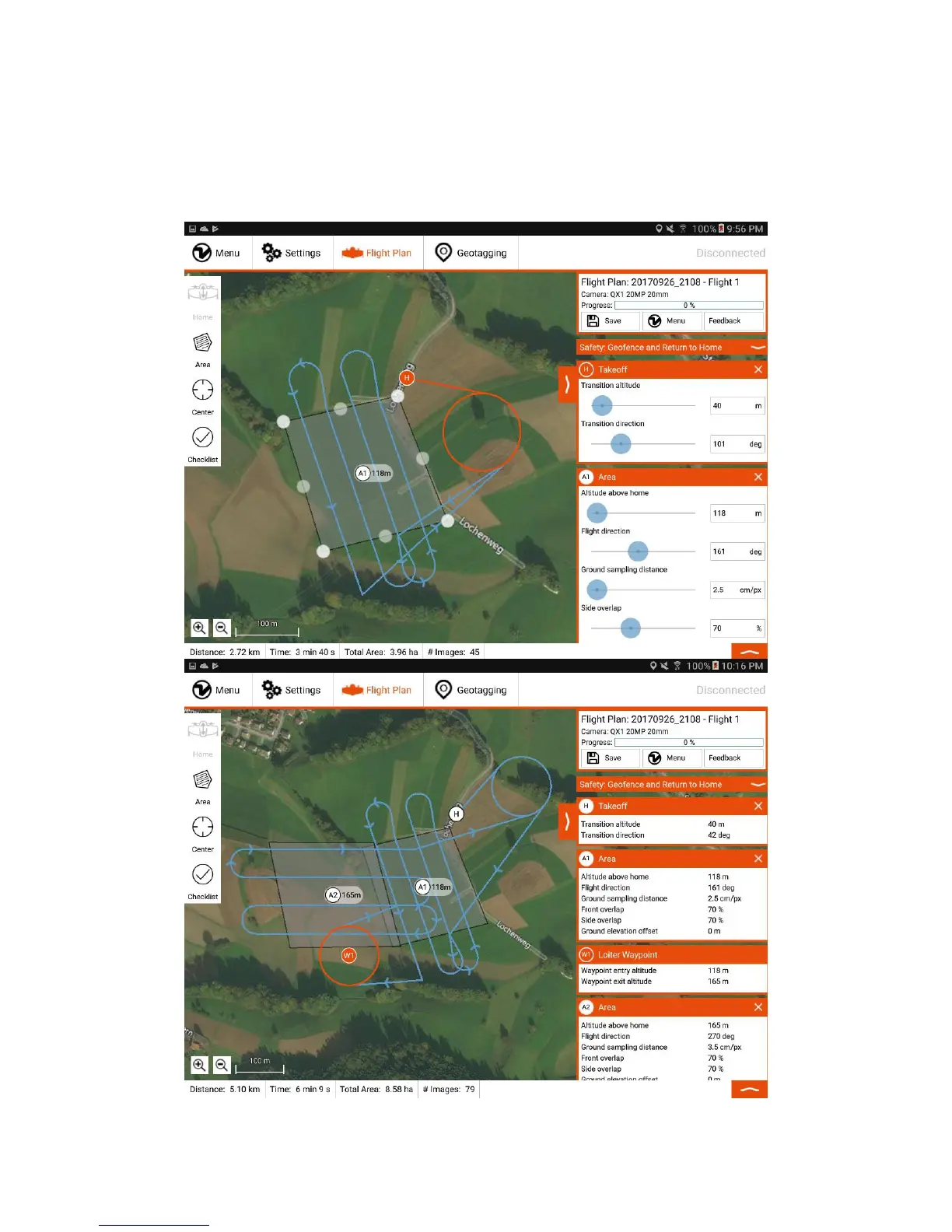
On the right side (B), you can choose the desired ground sampling distance, which defines the size of a pixel on the ground. It is directly linked to the flight altitude that
can be adjusted alternatively. In most cases, it is advisable to adjust the flight direction. You can also adjust the side overlap of the images. Decrease the overlap to
maximize the area/minimize the flight time. Increase the overlap to optimize the final map quality. Reliable orthomosaics can be created with imagery down to 60% side
overlap for flat areas. For more sophisticated landscapes you have to increase the overlap.
For areas with a different elevation with respect to the takeoff location, use the ground elevation offset slider and set it to the relative altitude difference. If the area of
interest is below takeoff, you can enter negative numbers by pressing two times ".-" on the numeric keypad. It adapts the flight altitude accordingly without affecting
resolution and overlaps.



 To Next Page