WingtraOne PPK
The WingtraOne PPK (post processing kinematics) enables high-precision mapping without the need of using GCPs (ground control points) to correct a map that is
created based on images captured by the WingtraOne. The system uses correction data collected with a base station on ground to assign high-precision position
information to the images after your flights.
Get Started with WingtraOne PPK
Together with your WingtraOne PPK unit you will receive a brochure. It guides you in how to deploy the PPK module and our PPK processing software WingtraHub.
Furthermore it gives a summary of the PPK workflow. Follow the brochure and perform the step by step software setup below in order to set up your system and learn the
workflow.
PPK Briefly Explained
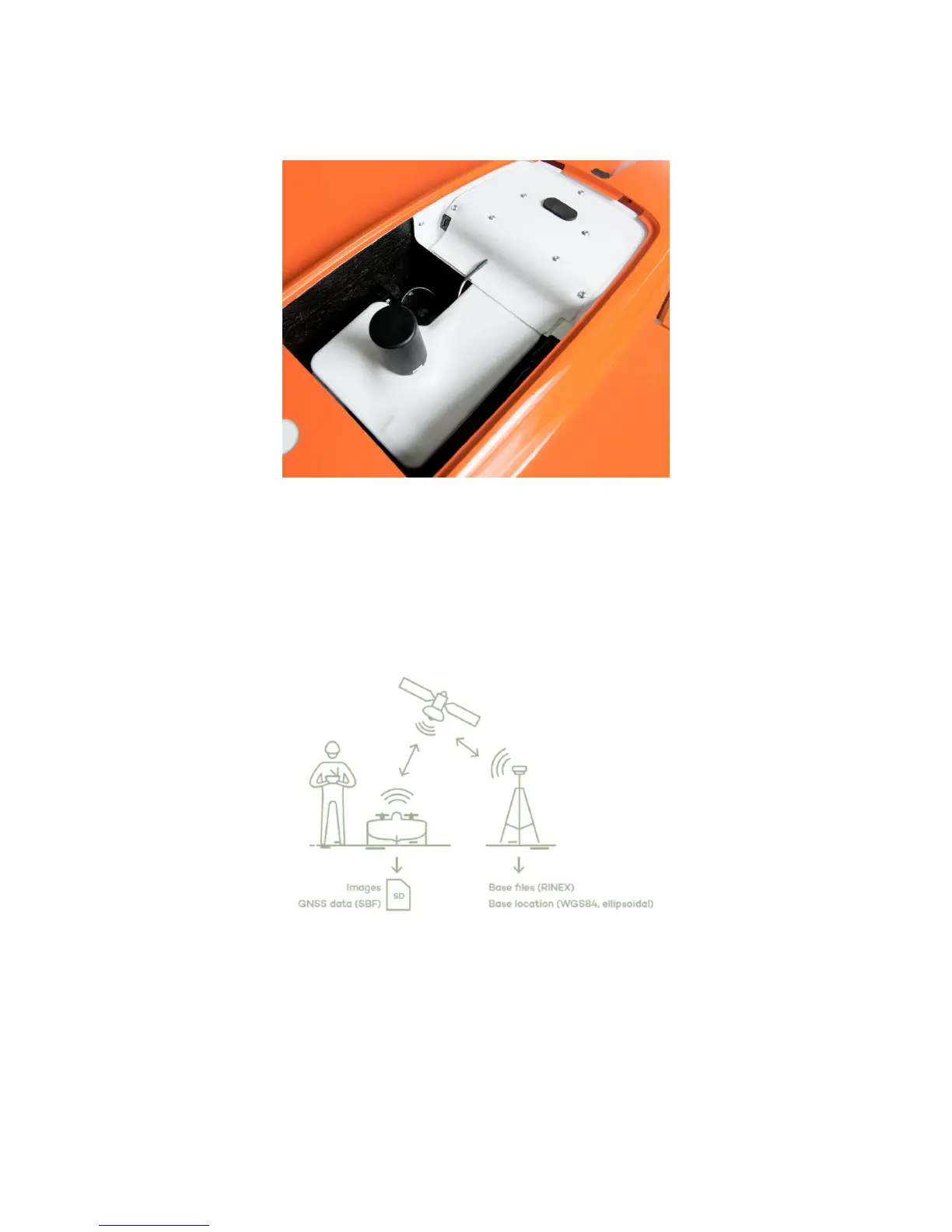
Post processing kinematics (PPK) uses correction data of a base station on ground to correct the GNSS data of WingtraOne after your flight. It allows to assign centimeter
precision geotags to your images. This geotagging process happens within the Windows WingtraHub application after your flight(s), typically back in the office. You will
need the following data:
1. Images from camera on WingtraOne
2. GNSS data from PPK module on WingtraOne
3. Base files (RINEX) from your base station
4. Base location of your base station
To acquire images and the GNSS data, you need a WingtraOne PPK drone with which you perform a normal flight. All data will be saved to the camera SD card in an
organized manner, focus on your flight - WingtraOne will ensure that your data (images and GNSS data) is saved on the SD card.
Correction data of the base station is logged into "Receiver Independent Exchange Format (RINEX)" files. You have to provide these base files (RINEX) and the exact
location of your base station. There are different options how you can acquire the base files and the base location; depending on your country, location and the surveying
equipment you own, decide for one of the 4 options described further below. The base files (RINEX) need to cover the full period of your flight - make sure they start



 To Next Page