1143100 SmartPAC PRO User Manual
166 Chapter 6 – Using DiProPAC Die Protection (Optional)
DiProPAC Die Protection in Program Mode
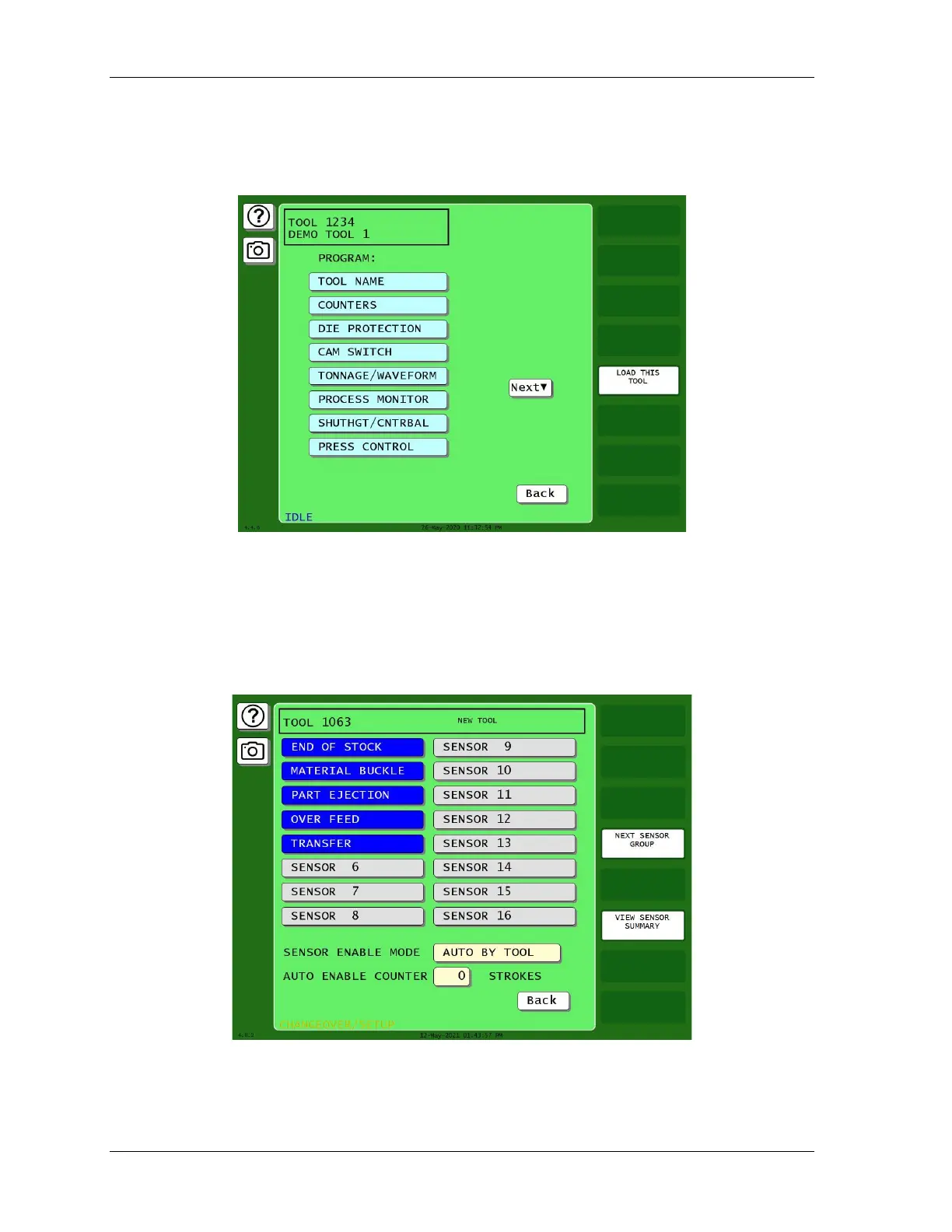
(PROGRAM – TOOL MANAGER – Select Tool – EDIT TOOL – DIE PROTECTION)
Figure 6-7. Main Program Menu for a Tool
This item appears on the Tool Program Menu only when DiProPAC is installed. It enables you to
program up to 8, 16, or 32 die protection sensors. You make settings via the Die Protection Sensor
Menu, Figure 6-8.
When this screen opens, it shows eight or sixteen sensors. If you have a 32-sensor unit, press
NEXT SENSOR GROUP to open a new screen showing the additional sensors.
Figure 6-8. Die Protection Sensor Menu for Tool 1063, Sensors 1-16
(DiProPAC 16-sensor option shown. Your display may look different.)



 To Next Page