SmartPAC PRO User Manual 1143100
Chapter 3 – SmartPAC PRO Initialization Mode 89
INSTALLED OPTIONS
(INITIALIZATION – INSTALLED OPTIONS)
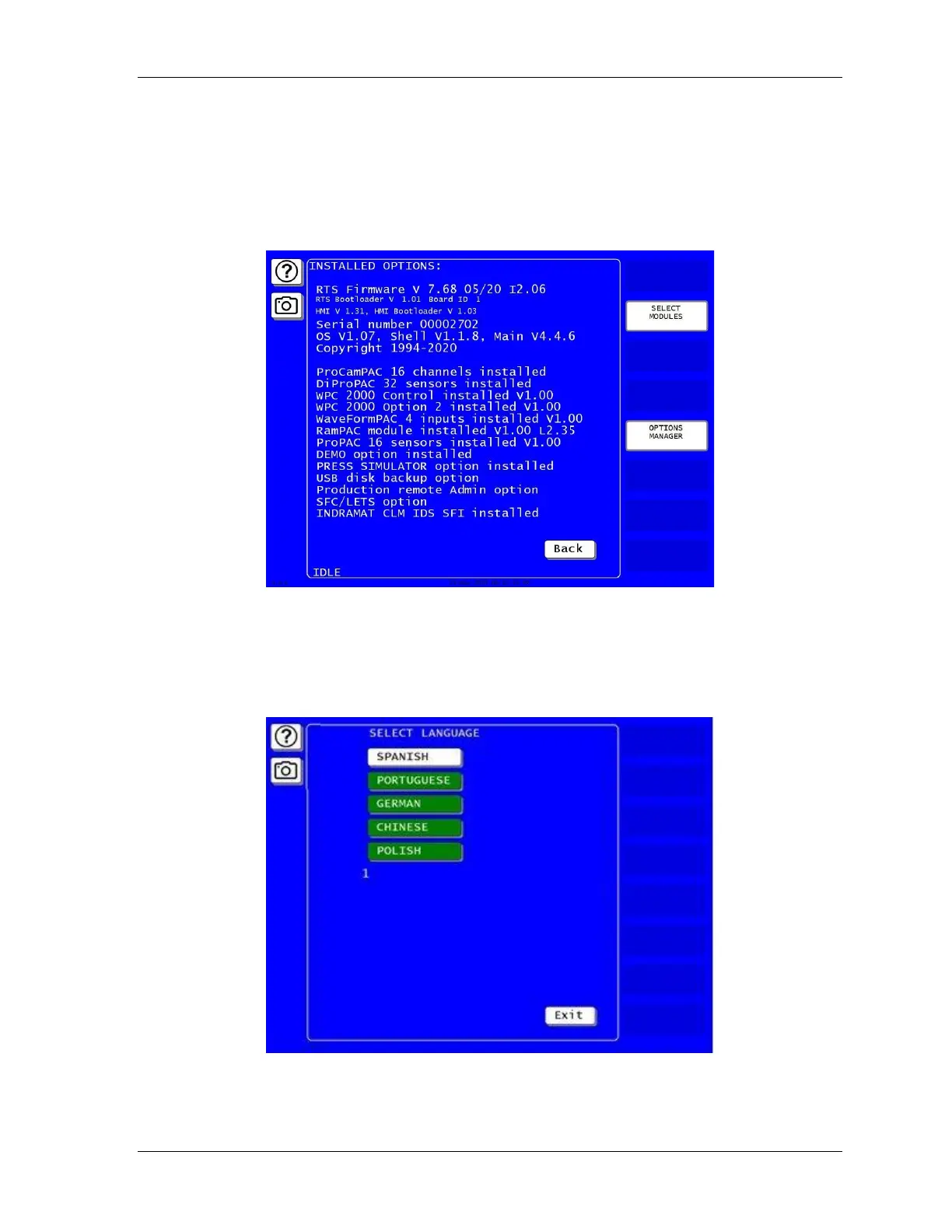
This item enables you to view the options that are installed on your SmartPAC PRO, Figure 3-3,
including the number of cam channels and sensors.
Figure 3-3. Installed Options Screen
Your screen will look different.
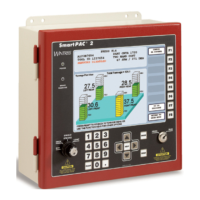
If you ordered the alternate language option, this screen provides a SELECT LANGUAGE button to
select the language in which you want SmartPAC PRO screens displayed, if you have the appropriate
option. When you press the Select Language button, a screen similar to Figure 3-4 displays.
Figure 3-4. Select Language Screen
To select a language, highlight it, and press Exit.



 To Next Page