EasyManua.ls Logo

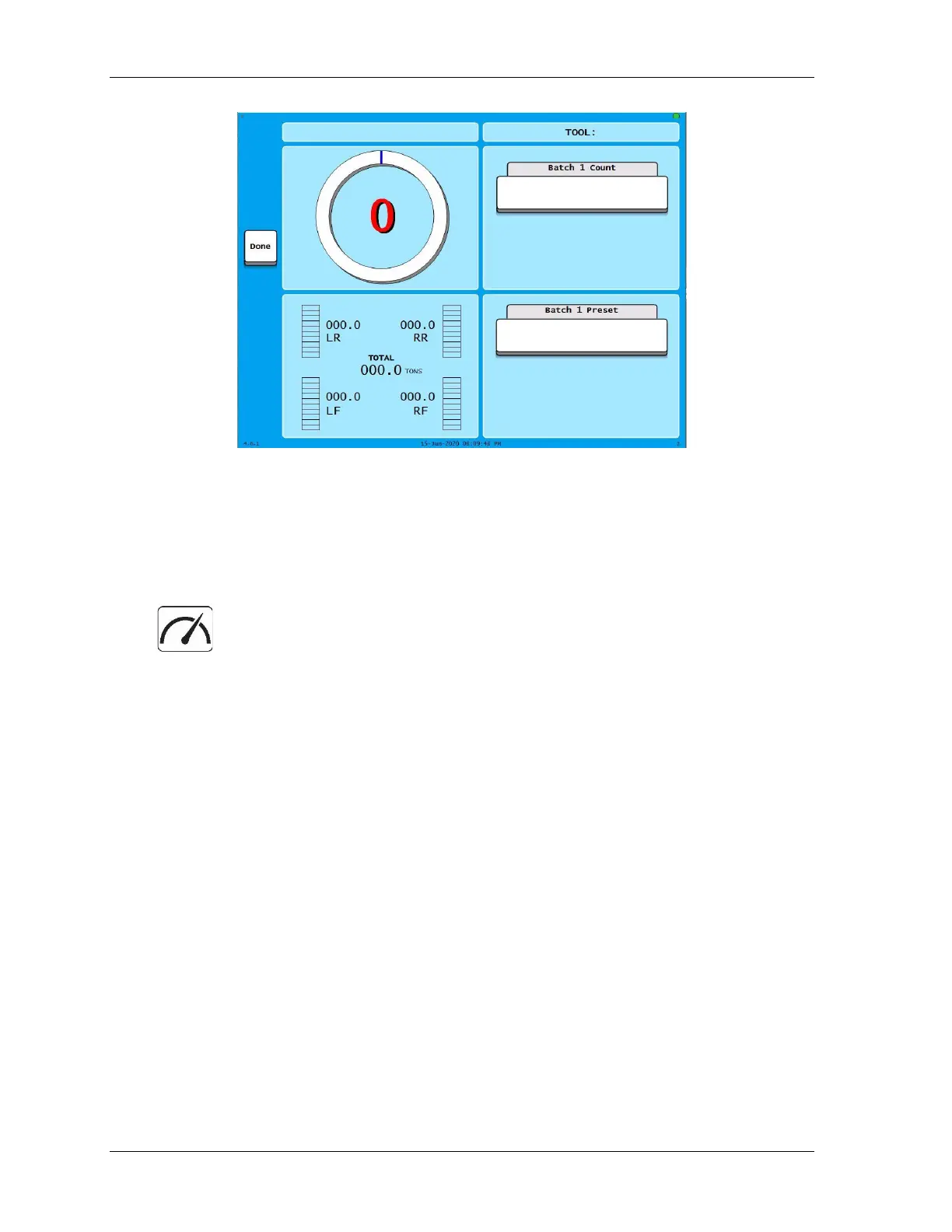
Wintriss SmartPAC PRO - Figure 1-16. Dashboard Configuration Preview; Figure 1-17. Dashboard Button; Showing the Currently Selected Dashboard

Wintriss SmartPAC PRO
318 pages
Print Icon
To Next Page IconTo Next Page
To Previous Page IconTo Previous Page
Loading...
1143100 SmartPAC PRO User Manual
40 Chapter 1 – Introduction to SmartPAC PRO
Figure 1-16. Dashboard Configuration Preview
7. When you are satisfied with the dashboard, press Save.
Showing the Currently Selected Dashboard
In any Run screen, press the Dashboard button, Figure 1-17 to display the last
dashboard you selected on the Favorites screen.
Figure 1-17.
Dashboard Button

Table of Contents