It’s possible to select the audio level between -30 dB to 0 dB (referred to the maximum output level
set on the audio outputs). It represents the reference of the peak deviation (56 KHz).
The frequency of the tone can be chosen between 400/600/1000 Hz.
Sync
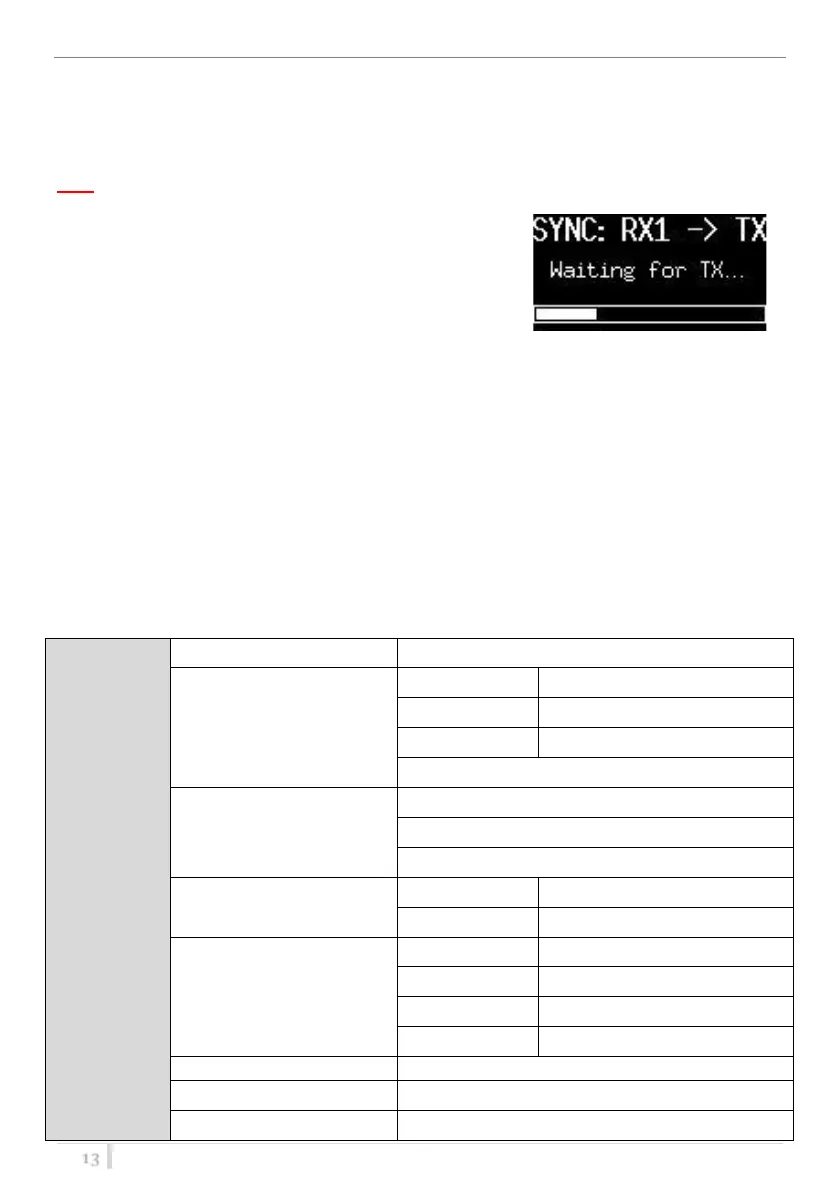
The SYNC function is useful to tune a transmitter on the same
frequency of the receiver via the IR interface. Before starting
the sync function tune the receiver on desired channel,
manually or using the SCAN utility. After this, enable the IR
interface on the transmitter. Now press UP&EXIT buttons
together or enter in the Sync menu to start the SYNC function.
Keep the IR window of the transmitter in front of the IR window of the receiver and, as soon as the
connection is done, the receiver will send to the transmitter all the information needed.
If the operation is not possible, (i.e. the frequency range of the transmitter is not compatible with
the frequency of the receiver), the display will show an error message.
If the transmitter has the function “NAME” enabled, when the sync function is completed it will
show the same name of the synchronized receiver.
Settings
Select Settings menu to access to the main parameters’ settings.



 To Next Page