16
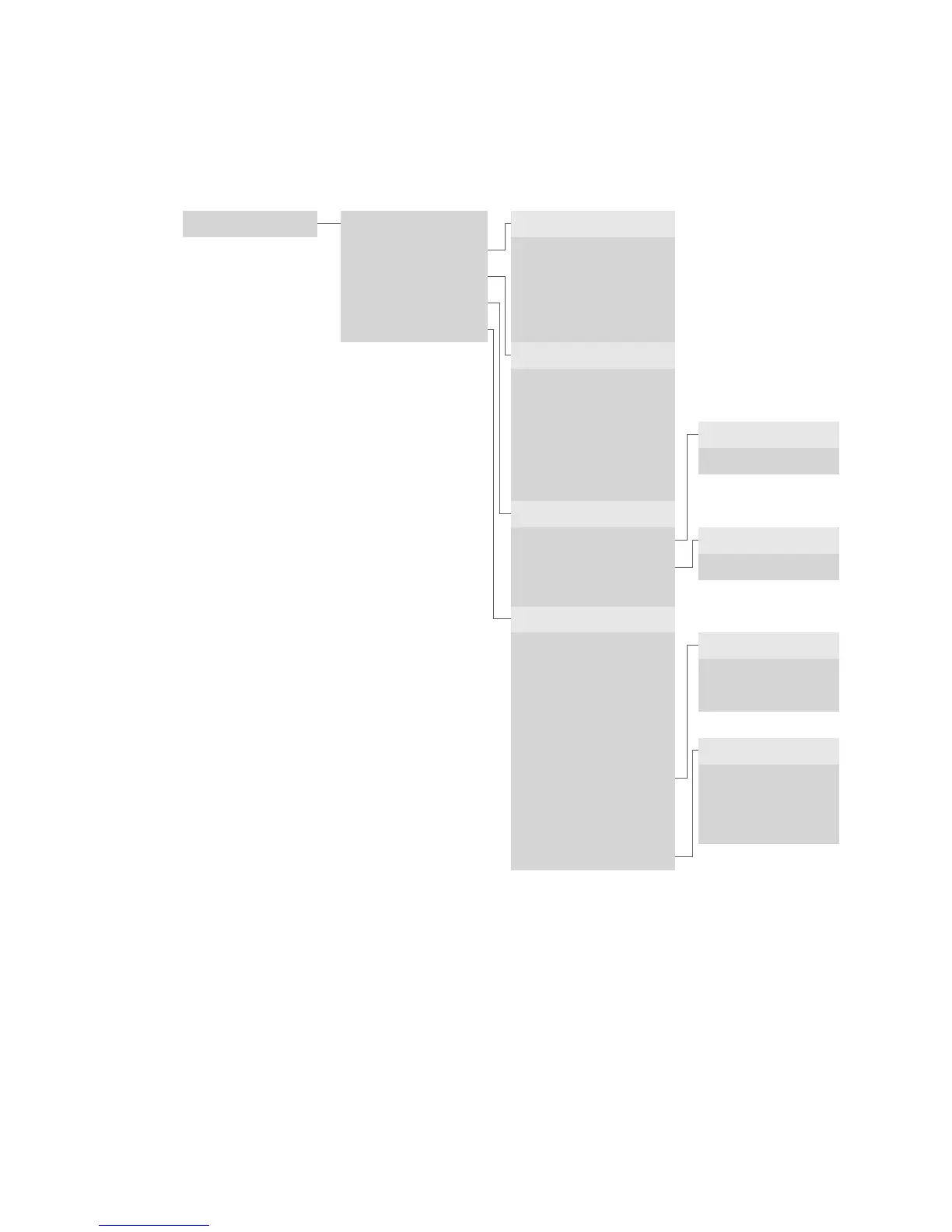
To enter the menu tree below, press the <STOP> button.
Main menu <1> Transactions
<2> Balances
<3> Queries
<4> Settings
▲ <5> Setup
Language
<1– 4> E/D/F/I
Display
<1> Contrast
Print cong
<1> Simple
<2> Detailed
System
<1> Network Info
<2> HW Check
<3> Reboot Terminal
Balances
<1> Start user shift
<2> End user shift
<3> Daily closing
<4> Transmit trx data
Queries
<1> Shift counter
<2> Daily counter
<3> TRX log info
<4> Print DCC rates *
<5> Print last ticket
Settings
<1> TRM language
<2> Display
<3> Printer
Setup
<1> Conguration
<2> Initialisation
<3> SW update
■ <4> TRM reset
<5> Info
<6> Print cong
<7> Print error log
■ <8> Print HW info
<9> System
▲ Access only with your password. You can nd this on the
conguration sheet delivered with your terminal.
4 Menu tree (illustration)
4.1 Main menu
■ Access only for service technicians.
* This function may not be activated depending on the CCC.



 To Next Page