30
9 Maintenance and handling
9.1 Printer settings
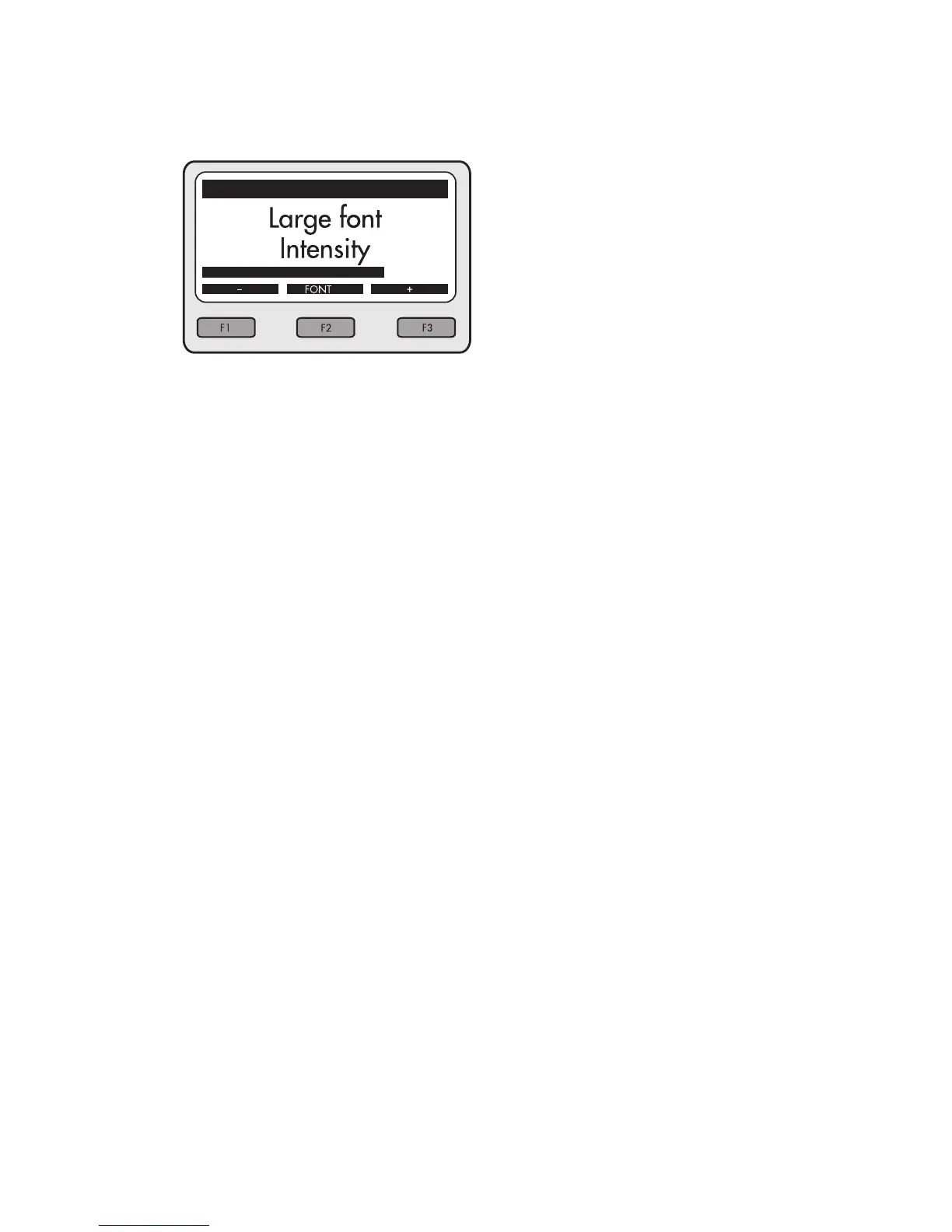
The three navigation keys can be used to modify
the printer settings:
Print intensity
– / <F1> reduces the print intensity
+ / <F3> increases the print intensity
Font size
<F2> modies the font size (large/small).
<STOP> terminates the menu. The old settings
are retained and the new ones rejected.
<OK> conrms the new values. They are saved
and remain available even after a terminal reset.
<MENU> prints a test line.



 To Next Page