33
Status display and tool
1. Display messages must be conrmed using
the <OK> button.
All display messages on the terminal must be
conrmed with <OK>.
2. Display message: Use swipe reader. A magnetic strip-based card has been inserted
in the chip reader.
3. Display message: Please use whip reader. A chip-based card has been pulled through the
swipe reader.
4. Special signal consisting of 3 short acoustic
signals in a row.
These must be conrmed by the cashier using
the special signalling function button.
9.4 Identifying and solving errors
No display
If the terminal is not placed on the loading sta-
tion, it automatically switches to stand-by mode
after 60 seconds. By pressing the <Corr/On>
button the operation mode will be reactivated.
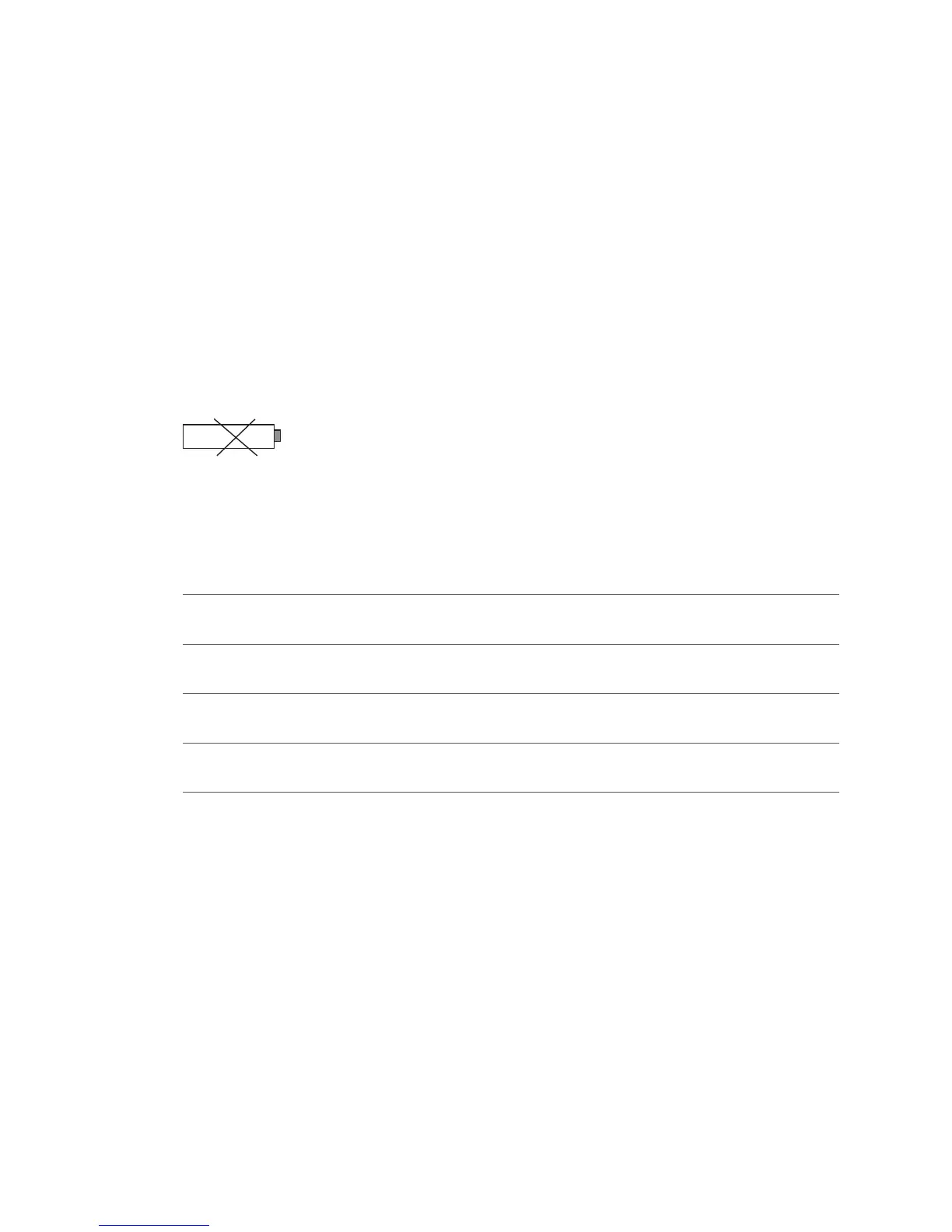
The rechargeable battery is not sufciently
charged
If the rechargeable battery is not sufciently
charged and transactions can no longer be con-
ducted correctly, no further transactions can be
made.
Display:
To recharge the battery, connect the terminal to
the power supply, or place it on the loading sta-
tion, if present.
Disruption, no connection
Check the reception signal strength by pressing
switched on to do this.
Host timeout
The corresponding computer centre does not
reply. Possible reason: network overload.
Reading error, card cannot be read
Clean the reading unit. Card information can
also be entered manually.



 To Next Page