21
5.4 Customer handling: card with PIN
Customer handling – card with PIN
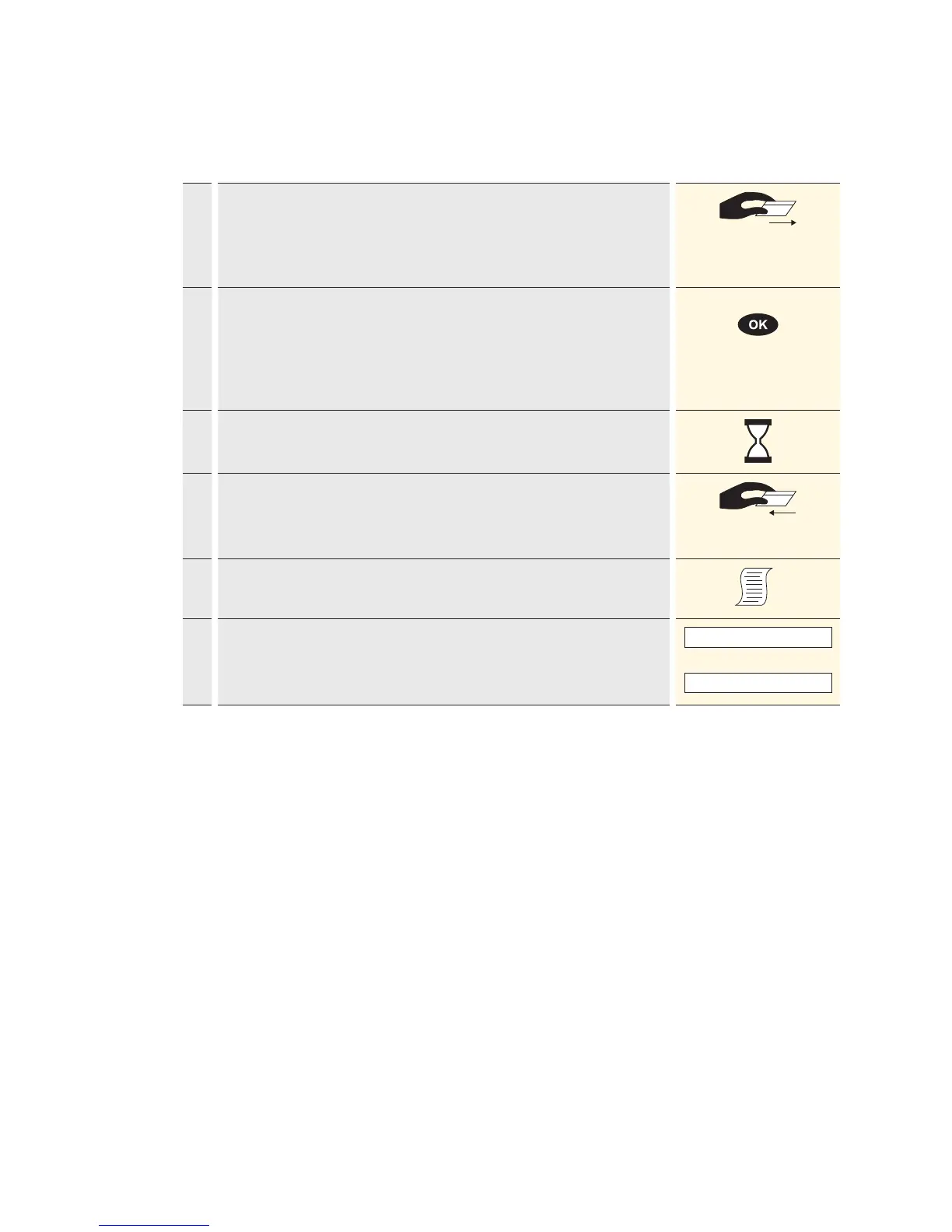
1. Depending on the card type, the card must be either pulled through the
swipe reader or inserted in the chip card reader.
If a chip card is pulled through a swipe reader, the customer will be
prompted to insert it in the chip reader.
2. The amount is displayed in the foreign currency and the customer is
prompted to enter the PIN-code (4 to 6 digits) and to confirm with <OK>.
If the amount is incorrect, the transaction can be aborted using <STOP>
→ if no purchase is made.
Timeout: the process will be aborted if processing does not occur within
30seconds.
<PIN>
3. Payment is recorded and systematically authorised online.
4. For chip cards, the customer will be prompted to remove the card.
Chip cards: the card must remain inserted in the chip reader throughout
the transaction until the request to remove it appears.
5. A sales slip is printed out.
6.
If a copy is desired → press 1.
If no copy is desired → press 2.
If no button is pressed, the copy will be automatically printed out after
10seconds.
1 : Copy
or
2 : No copy



 To Next Page