20
5.3 Customer handling: card without PIN
After the cashier enters the amount, the cus-
tomer is prompted to use his or her card.
Depending on the card type, the two following
procedures are possible:
– Customer handling: card without PIN.
– Customer handling: card with PIN
(see page21).
If a transaction is not successful, then you will
hear three short, acoustic signals that repeat
every 2 seconds. This prompts the customer to
give the terminal to the cashier. The reason for
the problem is displayed by pressing on the spe-
cial signals function button.
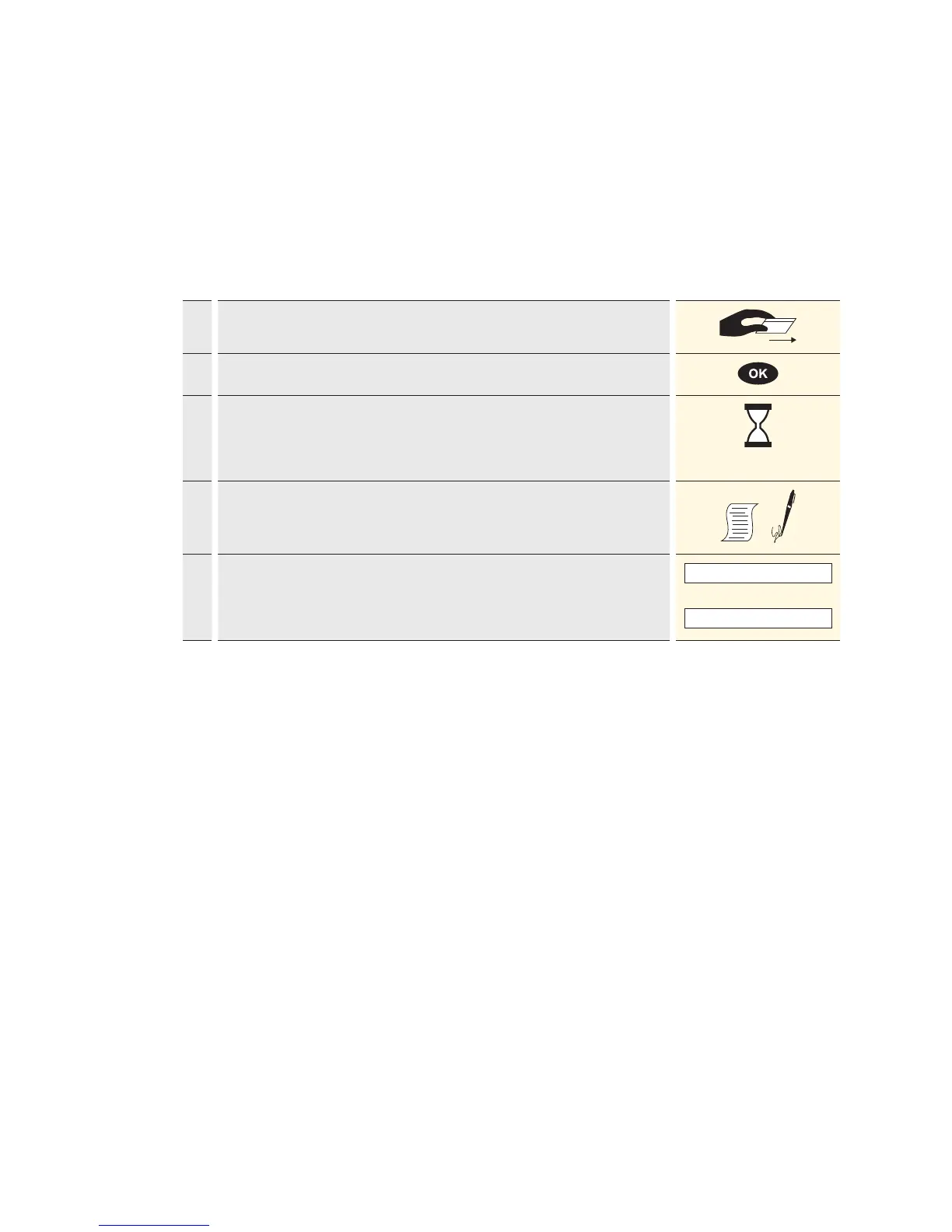
Customer handling – card without PIN
1. Depending on the card type, the card must be either pulled through the swipe
reader or inserted in the chip card reader.
2. Enter the amount. Confirm with <OK>.
3. Payment will be recorded and systematically authorised online.
Chip cards: the card must remain inserted in the chip reader throughout
the transaction, until the request to remove it appears.
4. A sales slip is printed out.
The sales slip must be signed by the customer.
5.
If a copy is desired → press 1.
If no copy is desired → press 2.
If no button is pressed, the copy will be automatically printed out after
10seconds.
1 : Copy
or
2 : No copy



 To Next Page