7
GSM/GPRS
Reception
strength
Only appears when GPRS communication is used.
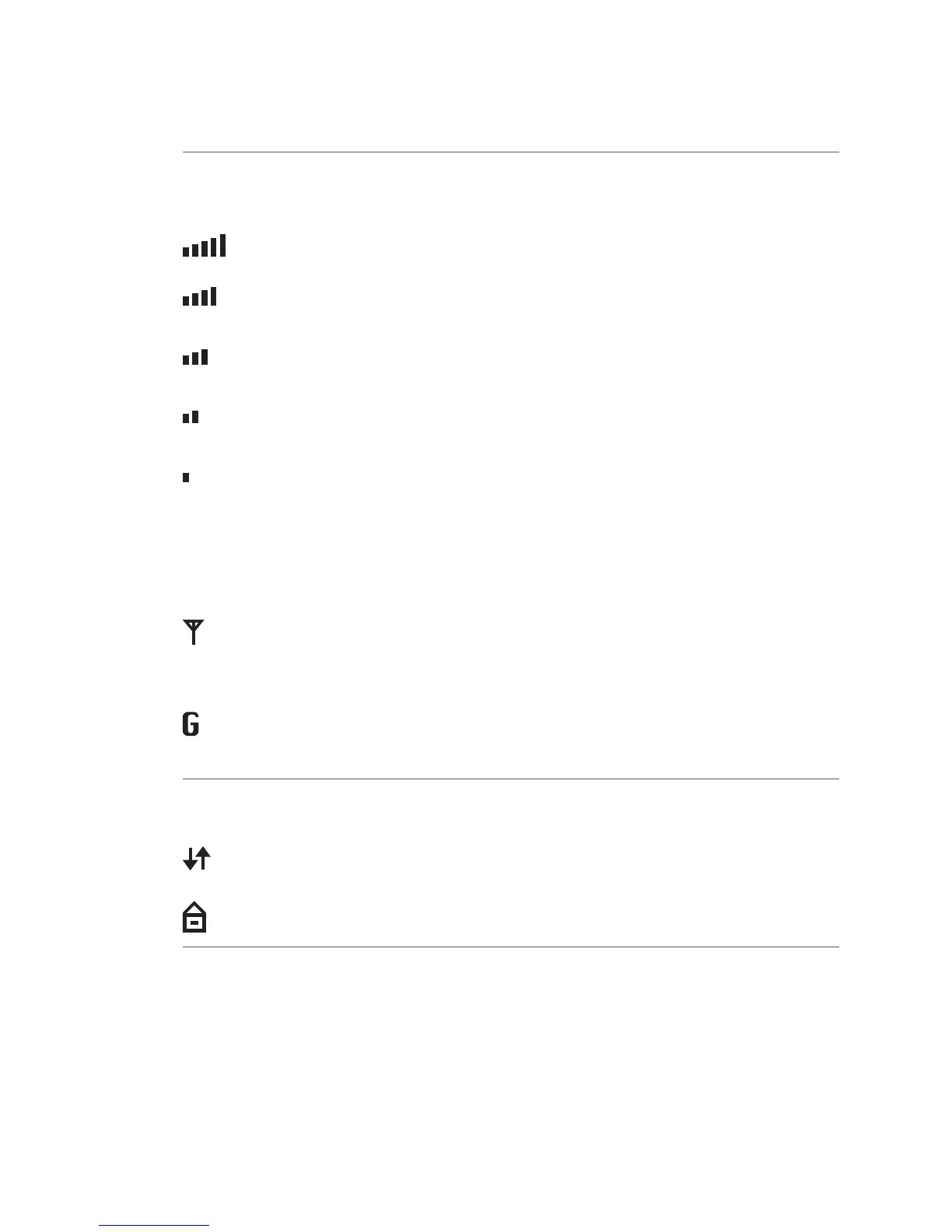
There is a connection to the network and the reception strength is 100%.
There is a connection to the network and the reception strength is greater than
80%.
There is a connection to the network and the reception strength is greater than
60%.
There is a connection to the network and the reception strength is greater than
40%.
There is a connection to the network and the reception strength is greater than
20%.
! If the GSM/GPRS symbol does not appear, GSM/GPRS is not assigned to a network or reception
is too poor to set up a connection.
The reception strength is supplemented by one of the two symbols shown below.
GSM is in use, GPRS is not available/in use.
! If the GSM/GPRS symbol ashes, it is in use but ofine.
GSM/GPRS is in use (GPRS mode).
! If no supplementary symbol appears, GSM/GPRS is not available.
GSM/GPRS
Data transmission
This symbol always appears together with a communication symbol. It shows
that a transaction is running.
This symbol appears with either the Ethernet or the WLAN symbol. It shows that
a secure connection is active.



 To Next Page