Conductivity Cond 7310
26 ba75933e04 06/2013
Subsequently, you can transmit the displayed calibration data to the interface,
e. g. to a PC, with <F2>[USB output].
Displaying the cali-
bration data storage
The calibration records of the last calibrations (up to 10) are available in the
menu, <F1>/[Menu] / Calibration / Calibration data storage and in the menu,
<F1_>/[Menu] / Storage & config/Data storage / Calibration data storage.
Calibration evalua-
tion
After the calibration, the meter automatically evaluates the current status of the
calibration. The evaluation appears on the display and in the calibration record.
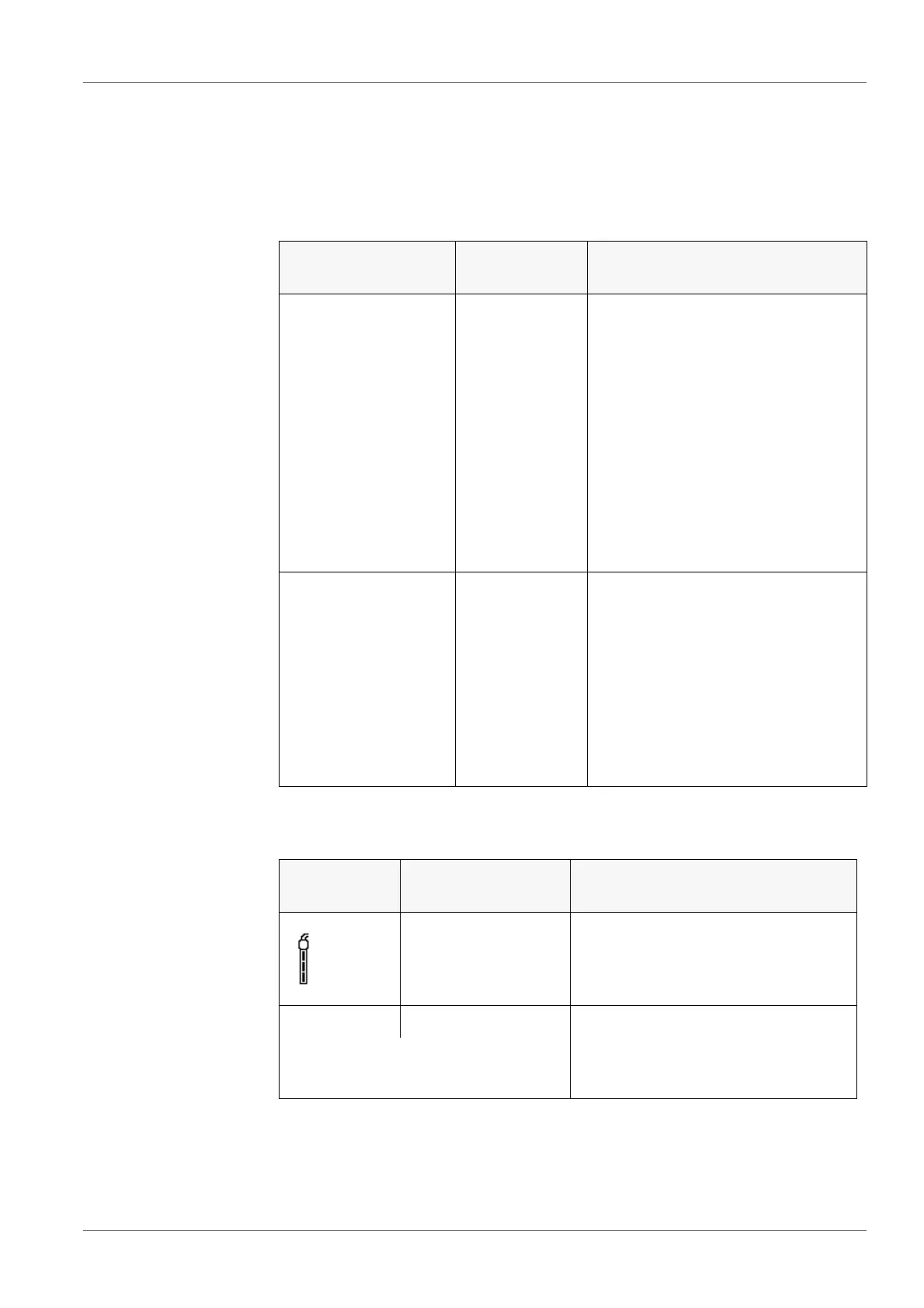
Menu item Setting/func-
tion
Description
Calibration /
Calibration data stor-
age /Display
or
Data storage /
Calibration data stor-
age /Display
- Displays the calibration record.
Further options:
Scroll through the calibration
records with <><>.
Output the displayed calibra-
tion record to the interface with
<F2>/[USB output].
Quit the display with
<F1>/[Back] or <ENTER>.
Switch directly to the mea-
sured value display with <M>.
Calibration /
Calibration data stor-
age /
Output to USB
or
Data storage /
Calibration data stor-
age /Output to USB
- Outputs the calibration records to
the interface.
Display Calibration
record
Cell constant [cm
-1
]
+++ within the ranges
0.450 ... 0.500 cm
-1
or
0.800 ... 0.880 cm
-1
Error Error outside the ranges
0.450 ... 0.500 cm
-1
or
0.800 ... 0.880 cm
-1
Error elimination (see section 11
W
HAT TO DO IF..., page 48)



 To Next Page