Cond 7310 Settings
ba75933e04 06/2013 33
6.2.2 Data storage
This menu contains all functions to display, edit and erase stored measured
values and calibration records (see section 7 D
ATA STORAGE, page 35).
6.3 Reset
You can reset (initialize) all sensor settings and sensor-independent settings
separately from each other.
6.3.1 Resetting the measurement settings
The following settings for conductivity measurements are reset to the default
settings with the Reset function:
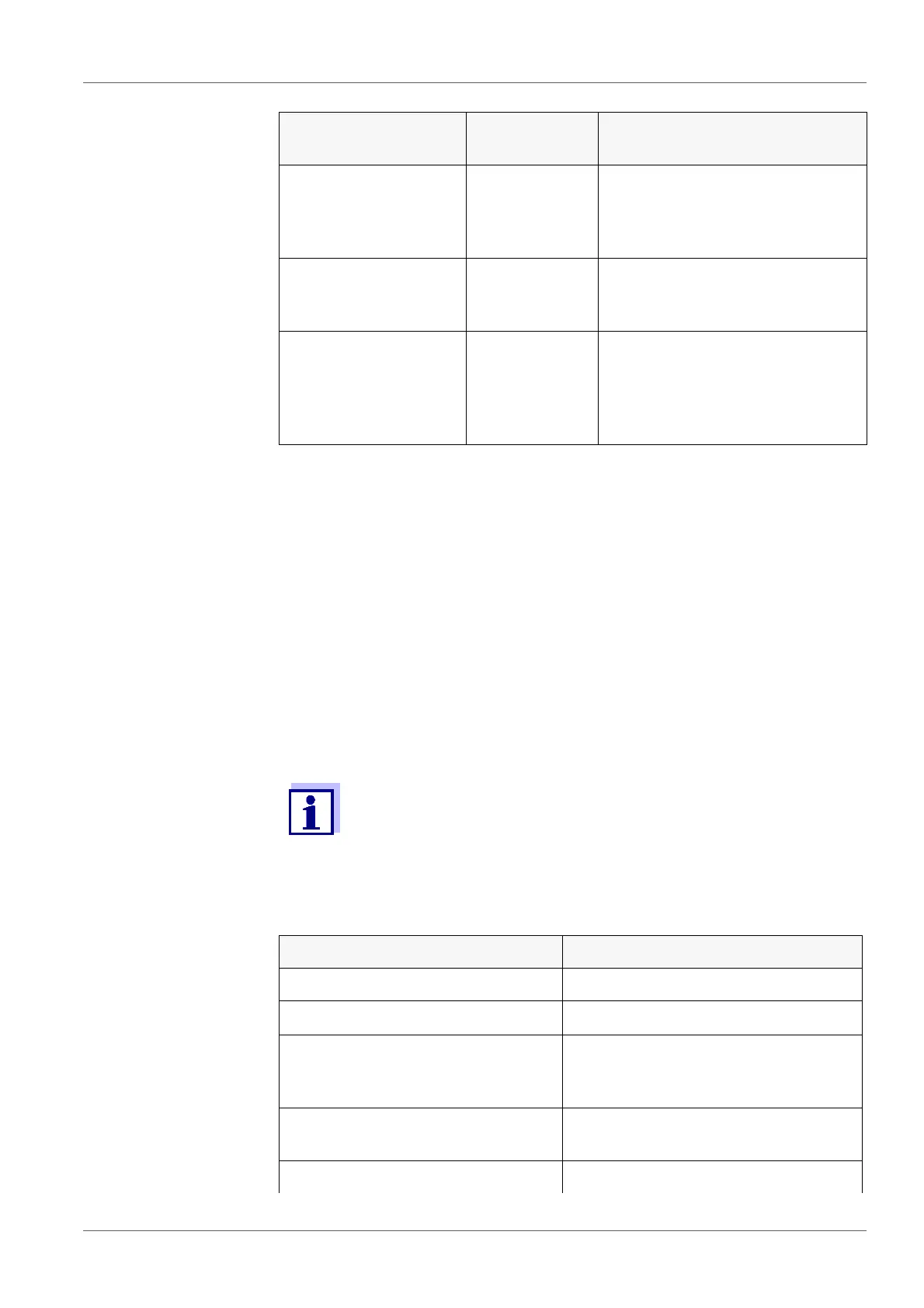
System /Clock Time
Date
Date format
Settings of time and date.
For details, see section 4.4.5
E
XAMPLE 2 ON NAVIGATION: SET-
TING THE DATE AND TIME, page 20
System /Service infor-
mation
Hardware version and software
version of the meter are dis-
played.
System /Reset - Resets the system settings to
the default values.
For details, see section 6.3.2
R
ESETTING THE SYSTEM SET-
TINGS, page 34
The calibration data are reset to the default settings together with
the measuring parameters. Recalibrate after performing a reset.
Setting Default settings
Cal. interval 150 d
Measured parameter
ϰ
Cell constant (C)
(calibrated)
0.475 cm
-1
or 0.840 cm
-1
(nominal cell constant of the conduc-
tivity measuring cell last calibrated)
Cell constant (C)
(set)
0.475 cm
-1
Temperature compensation nLF
Menu item Possible set-
ting
Description



 To Next Page