Operation LF 170
108
ba54104e09 11/2010
Checking/Setting
routine
1 In the measured value display:
Press <C>.
Note:
The states of all relays and
current outputs linked with the
measured conductivity value are
frozen during the checking/setting
routine.
2 Immerse the conductivity
measuring cell in the control
standard.
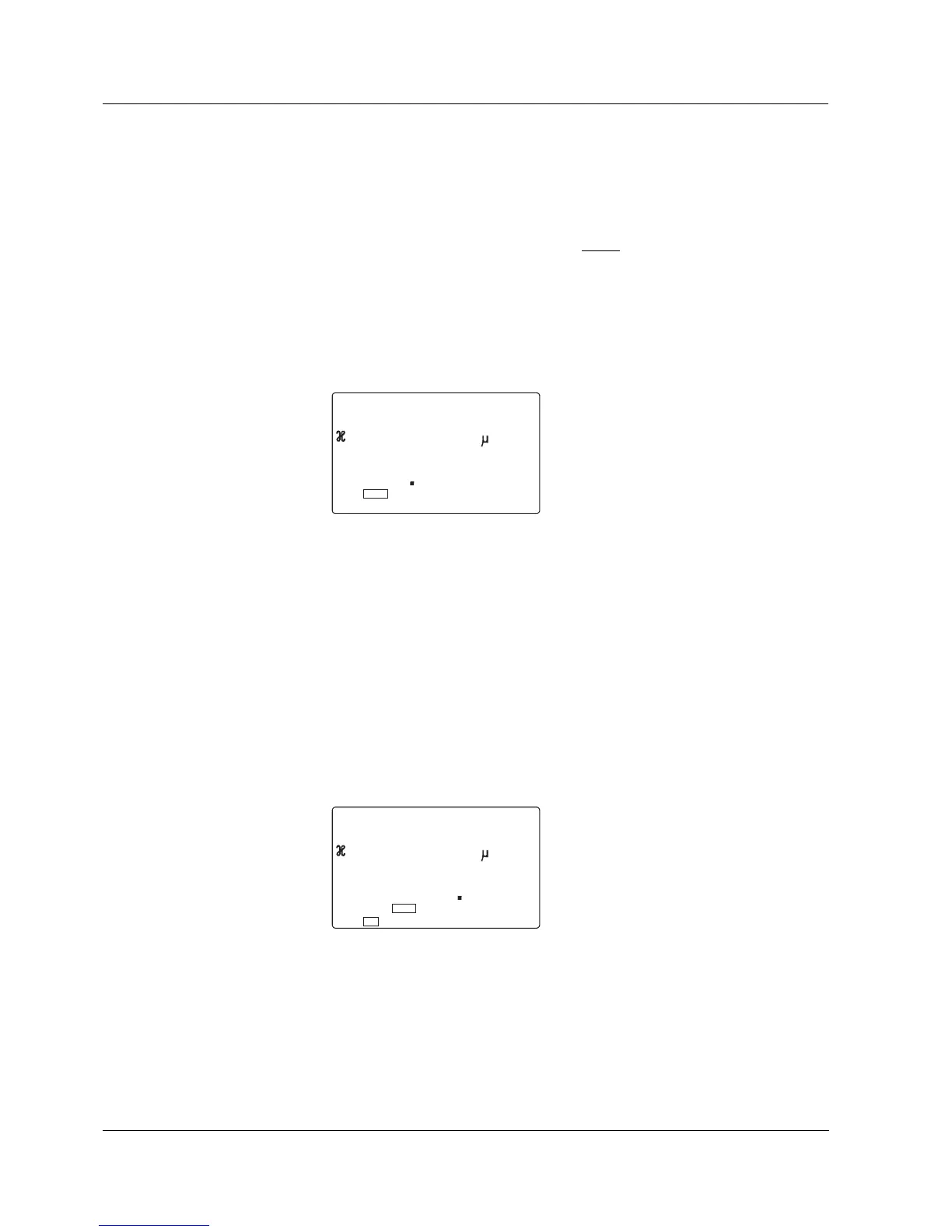
The following values are shown on
the display:
– Upper line: The measured
conductivity of the control
standard
– Lower line: The selected cell
constant
3 If the measured conductivity
deviates from the set value
(= 1413 µS/cm), the cell constant
can be changed until the set value
or the nearest possible value is
displayed (1 digit of the cell
constant roughly corresponds to a
little more than 1 µS/cm) with
<UP><DOWN>.
4 Put the conductivity measuring cell
back into the measuring position.
5 Press <ENTER> or <M>.
The display switches to the normal
measured value display.
The states of all relays and current
outputs linked with the measured
conductivity value again follow the
measured value.


 To Next Page