Installation IQ SENSOR NET MIQ/T2020
3 - 4
3.2.3 Initialization
When the system is running, the terminal automatically starts to
operate as soon as contact is established to the IQ S
ENSOR NET. In the
first phase, the background illumination of the display switches on and
the terminal is initialized. This process can take several seconds. The
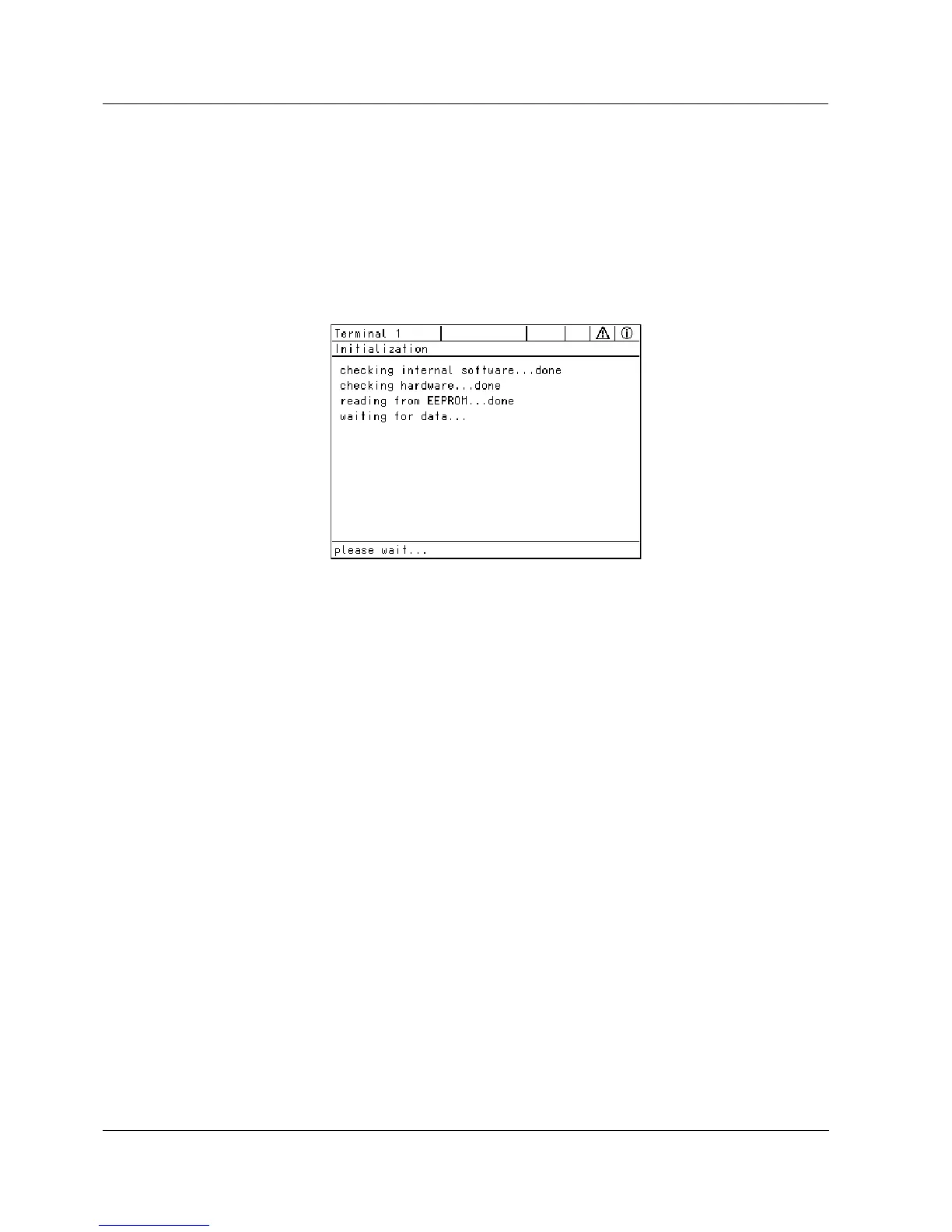
following display appears (Fig. 3-3):
Fig. 3-3 Display during the initialization process
The terminal then switches to the measured value display.



 To Next Page