IQ SENSOR NET MIQ/T2020 Installation
3 - 1
3 Installation
3.1 Scope of delivery
l MIQ/T2020 terminal
l Operating manual
3.2 Commissioning
Note
Follow the installation instructions in the I
NSTALLATION chapter of the
system operating manual.
Up to three terminal components can be docked on an IQ S
ENSOR NET
system.
3.2.1 Docking and removing a terminal
The mobile MIQ/T2020 terminal is docked on the lid of any free
MIQ module. The terminal can be docked while the system is running
without the measurement being interrupted.
Docking the terminal
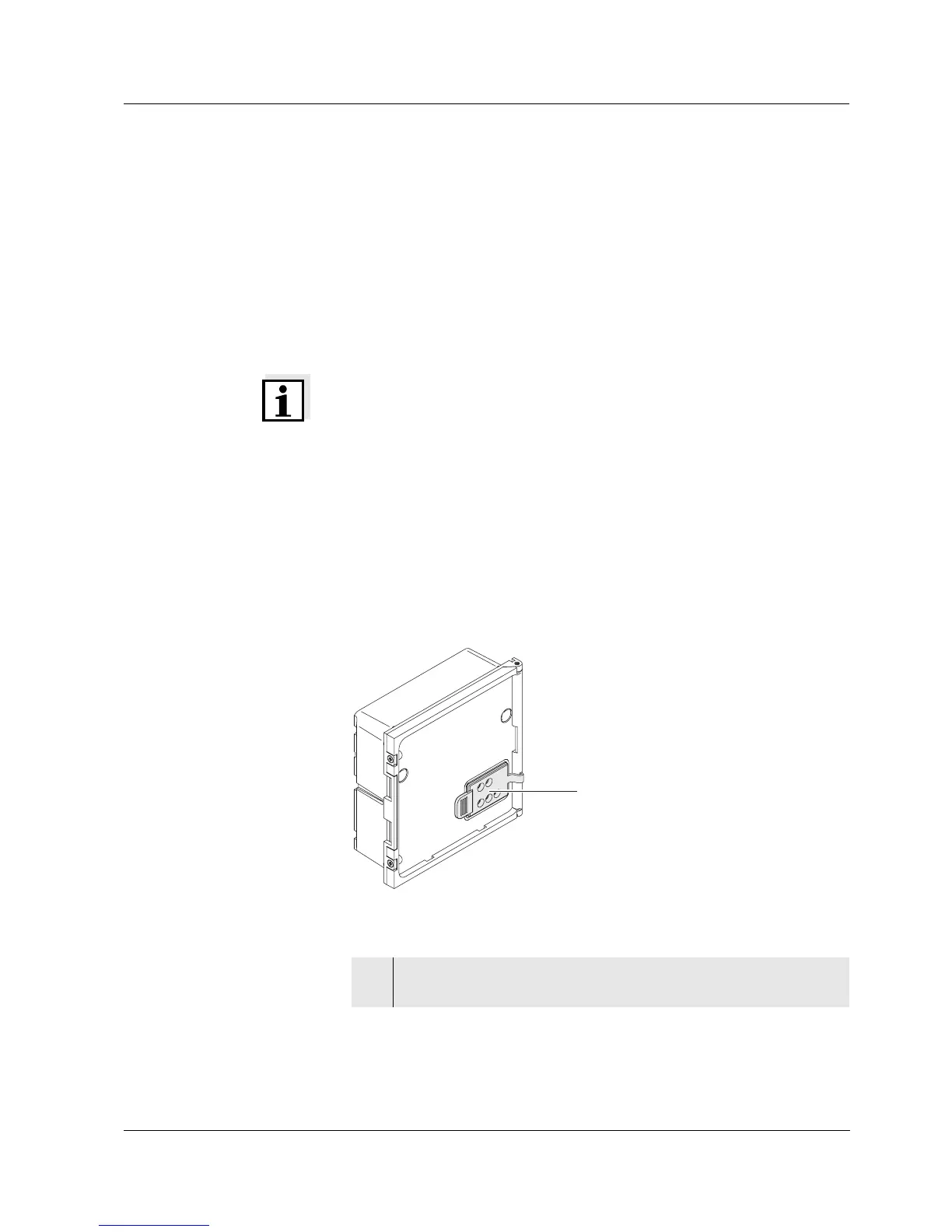
Fig. 3-1 Preparing the MIQ module for docking
1 Pull the cover off the contacts (pos. 1 in Fig. 3-1) on the lid of
the MIQ module.
1



 To Next Page