IQ SENSOR NET MIQ/T2020 Operation
4 - 11
4.3 Software status
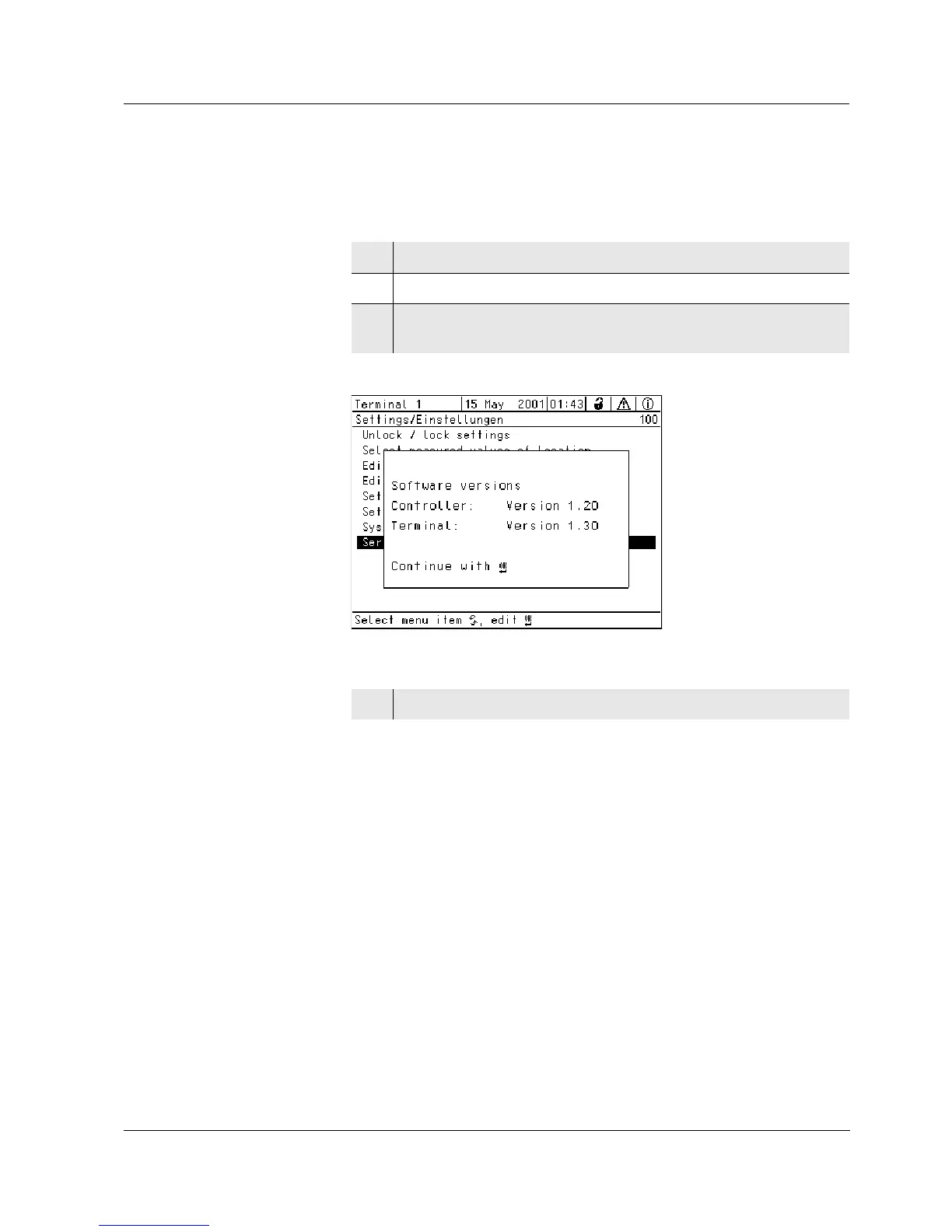
The system gives information on the current versions of the software.
Bild 4-8 100 - Settings/Einstellungen -> Service info
1 Call up the measured value display with m.
2 Open the Settings/Einstellungen menu with
s.
3 Select the Service info menu item with d and confirm with
g. The Softwareversionen dialog window opens.
4 Leave the Softwareversionen dialog window with m or g.



 To Next Page