IQ SENSOR NET MIQ/T2020 Settings/Setup
5 - 1
5 Settings/Setup
5.1 Selecting the language
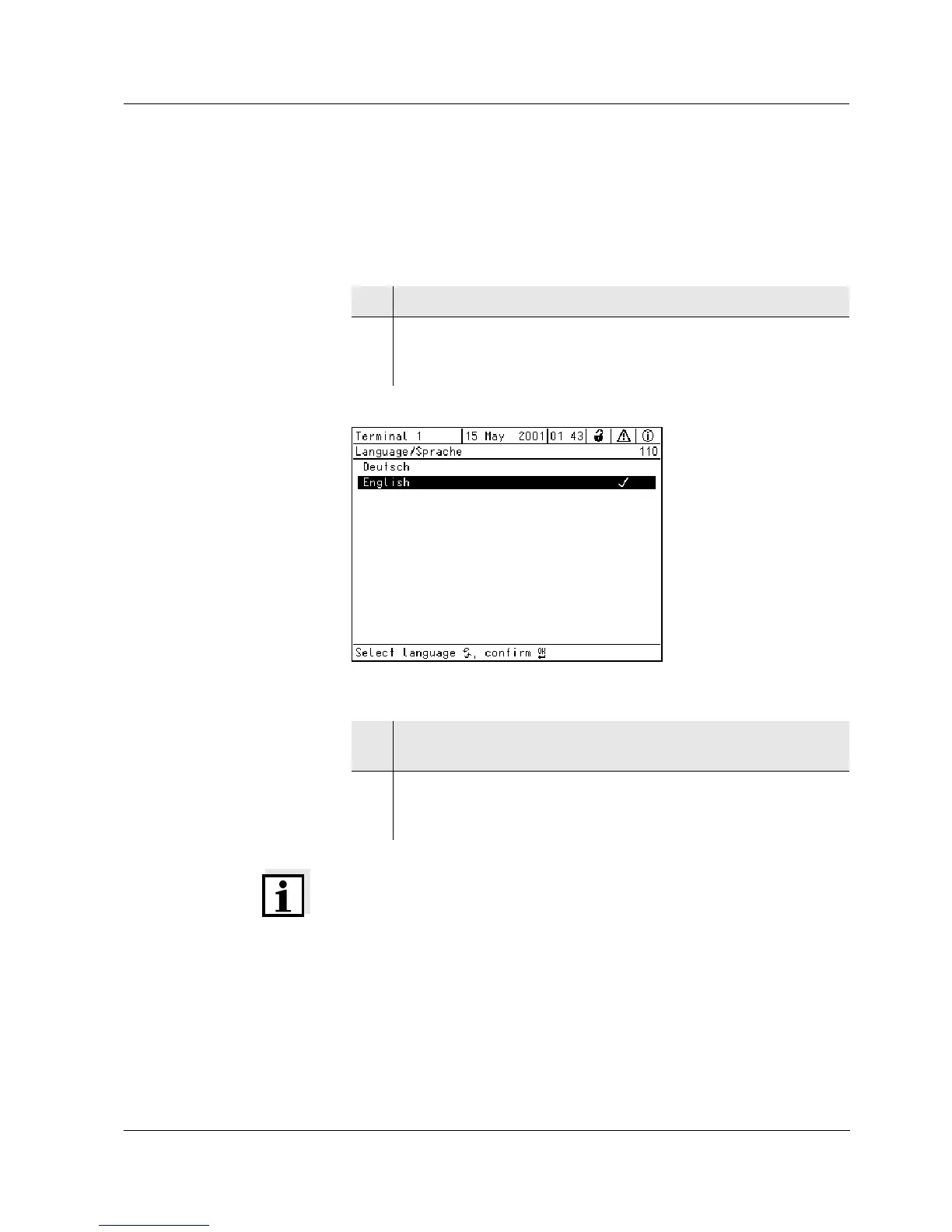
A list shows all the available system languages.
Bild 5-1 110 - Language/Sprache
Note
If the selected system language ist not available in a component, all dis-
plays of this component (sensor, controller, terminal, MIQ/CR3) will
appear in the standard language, German. To activate the selected
system language for this component, the software of the component
has to be updated. For more information, contact WTW.
1 Open the Settings/Einstellungen menu with s.
2 Select and confirm the menu item System settings ->
Language/Sprache with
d and g.
The Language/Sprache display opens.
3 Select a language from the list with d and confirm with g.
The active language is marked with a tick.
4 Switch to the higher menu level with
e.
or:
Switch to the measured value display with
m.



 To Next Page