IQ SENSOR NET MIQ/T2020 Operation
4 - 9
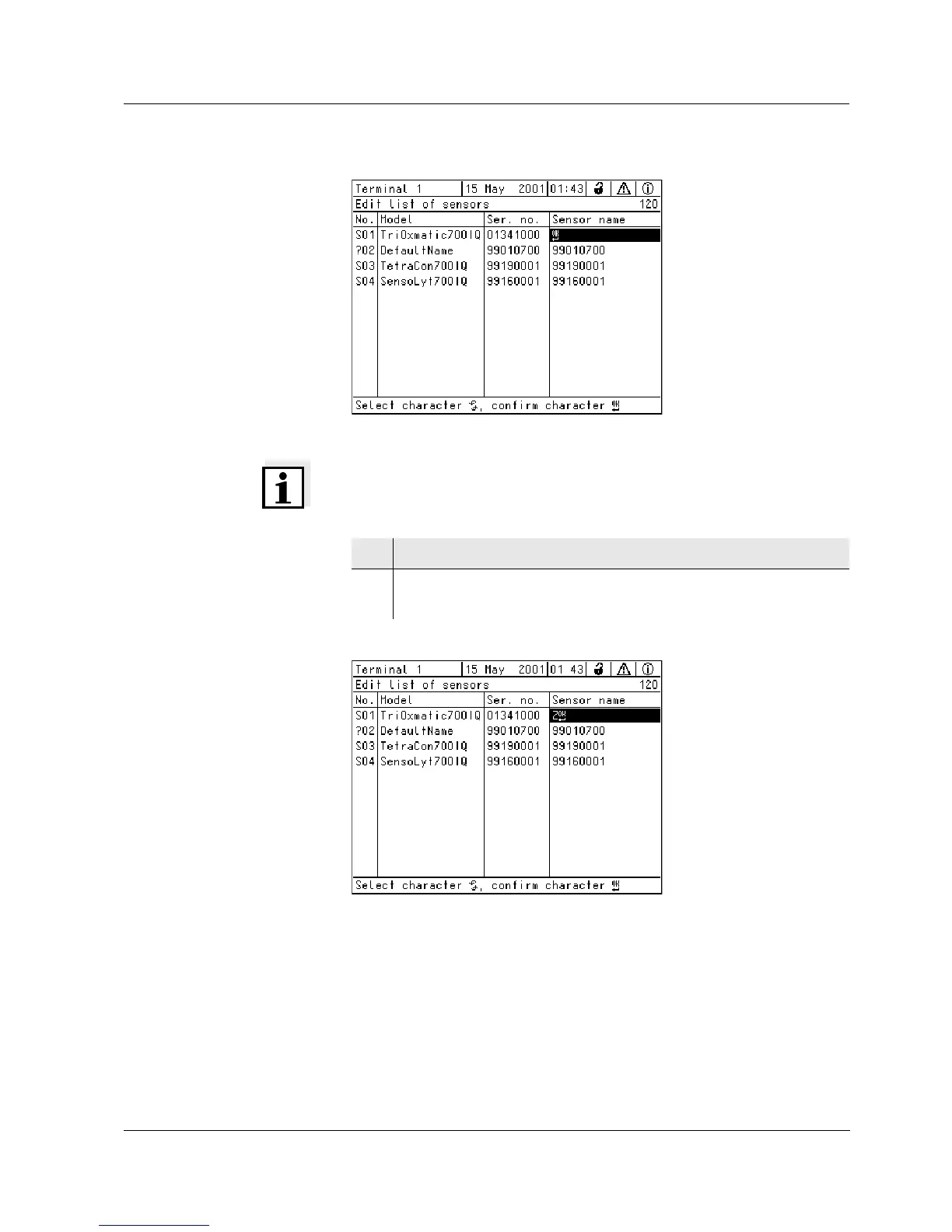
Fig. 4-6 120 - Edit list of sensors
Note
The following letters, numerals and special characters can be entered:
AaBb..Zz0..9µ%&/()+-=><!?_ °.
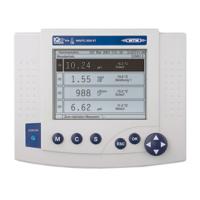
Fig. 4-7 120 - Edit list of sensors
8 Select a letter or numeral with d.
9 Confirm the letters with
g.
The
p character appears behind the last letter.



 To Next Page