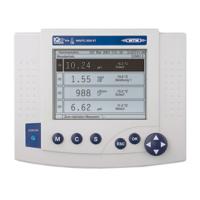
IQ SENSOR NET MIQ/T2020 Settings/Setup
5 - 3
Illumination brightness The brightness of the illumination can be continuously adjusted.
Display contrast The contrast level of the display can be continuously adjusted.
5 Select the Illumin. brightness menu item with d and confirm
with
g.
6 Select a brightness level and confirm with
d and g.
7 Select the Display contrast menu item with d and confirm
with
g.
8 Select a contrast level and confirm with
d and g.



 To Next Page