page 27 of 84
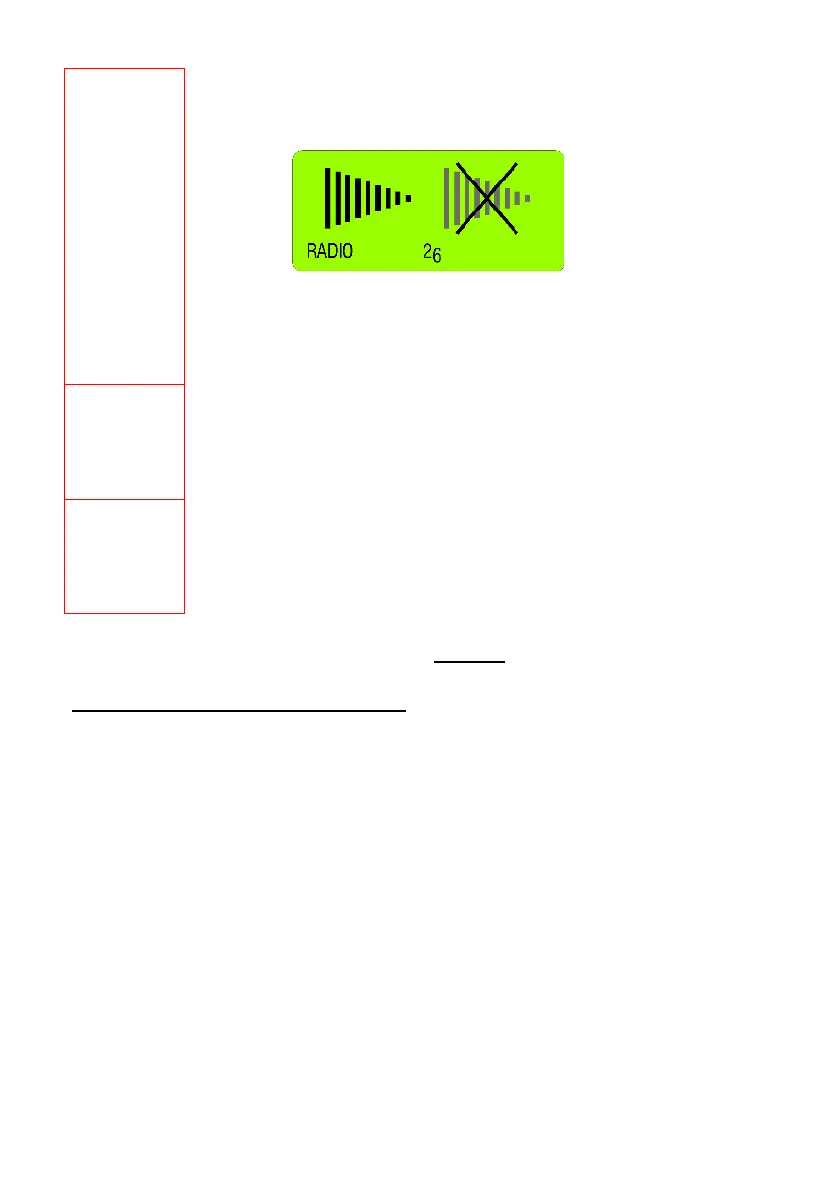
RADIO
Switching the wireless transmission ON respectively OFF (using cables / save on batteries!)
Select the Menu [RADIO] using the key <ON/OFF> and confirm with <ENTER>.
For definitively switching the wireless transmission ON or OFF confirm again with <ENTER>.
As a sign that the radio transmission is switched off, the red LED on the handle will be ON.
The switching on of the wireless transmission is done in the same way. As a sign that the
wireless transmission is switched ON, the green LED on the handle is blinking.
JOIN
Combine a group of instruments which should communicate together to a measuring group
See detailed description in chapter 2.4 / Combine a group of instrument to a measurement
group using the function "JOIN"
LEAVE
Disconnect the instrument from a measuring group
See detailed description in chapter 2.5 / Removing an instrument from a measuring group
using the function "LEAVE"
For additional details please consult the
flow charts chapter "L" / flowcharts
pages 68 - 79
A
DDITIONAL FUNCTIONS OF THE BLUEMETER BASIC:
Adjusting the display contrast
Using the key <ZERO/SELECT
±> the contrast of the BlueMETER BASIC display can be adjusted
according to the requirement.



 To Next Page