page 18 of 84
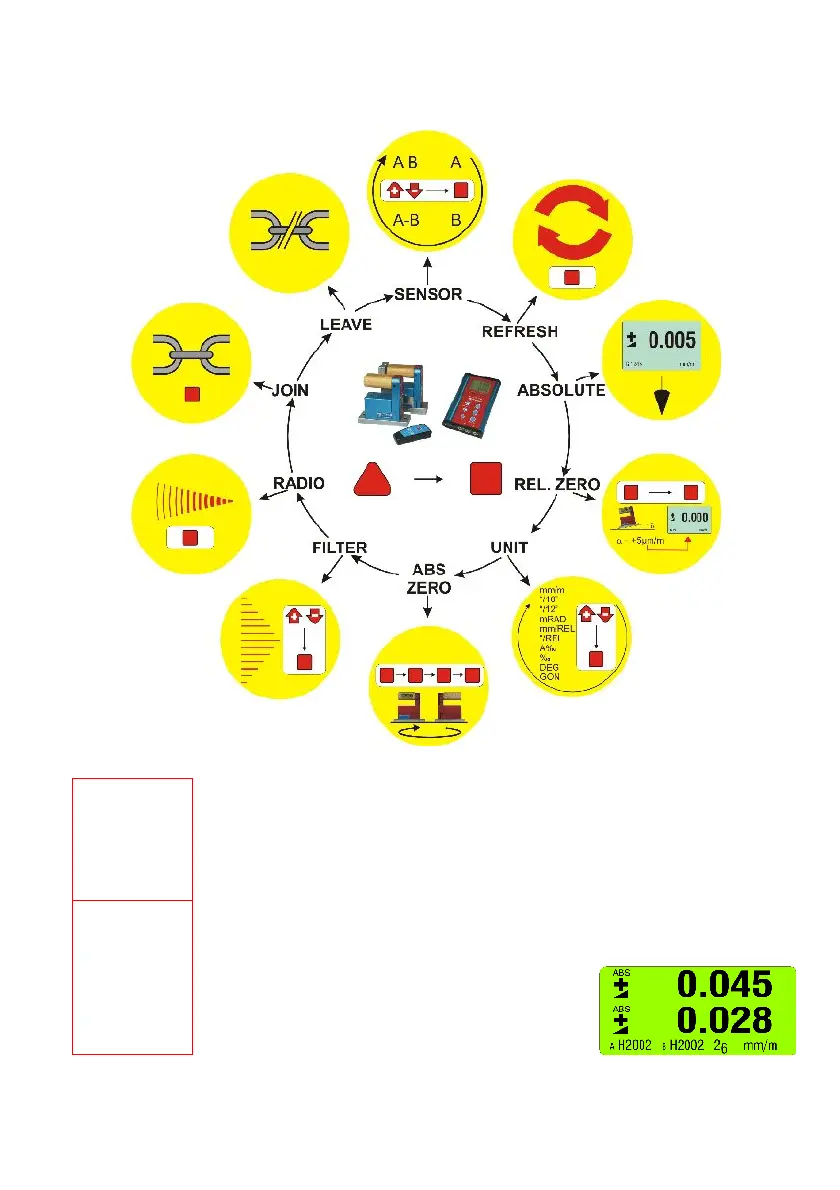
4.4 FUNCTIONAL MENU WITH BLUEMETER BASIC USING THE FUNCTION KEY
(
according to G. Lasczyk)
using the key <ON/MODE> on the BlueMETER BASIC only
Switching the
instrument on
- Switching on the display instrument BlueMETER BASIC. Press the <ON/MODE> key
until all 5 LED‘s are illuminated then release the key and "SYSTEM CHECK" is shown on the
display. After starting, the actual measured value as well as the last used unit in the last used
configuration is displayed. Using the battery mode, the instrument is automatically shut off
after 60 minutes.
When pressing the key <ON/MODE> continuously for more than 10 seconds all the LEDs
start flashing and the automatic shut off is disabled.
SENSOR
(BlueMETER
BASIC only)
- Setting the active sensors/ports and selection of the single or differential measurement
display / BlueMETER only.
The following possibilities are available:
• Instrument Port "A"
• Instrument Port "B"
• Instrument Port "A" – Instrument Port "B"
• Instruments on Ports "A" and "B"
simultaneously (see picture)



 To Next Page