page 19 of 84
cont.
SENSOR
(BlueMETER
BASIC only)
- Possible error messages in the status line of the display:
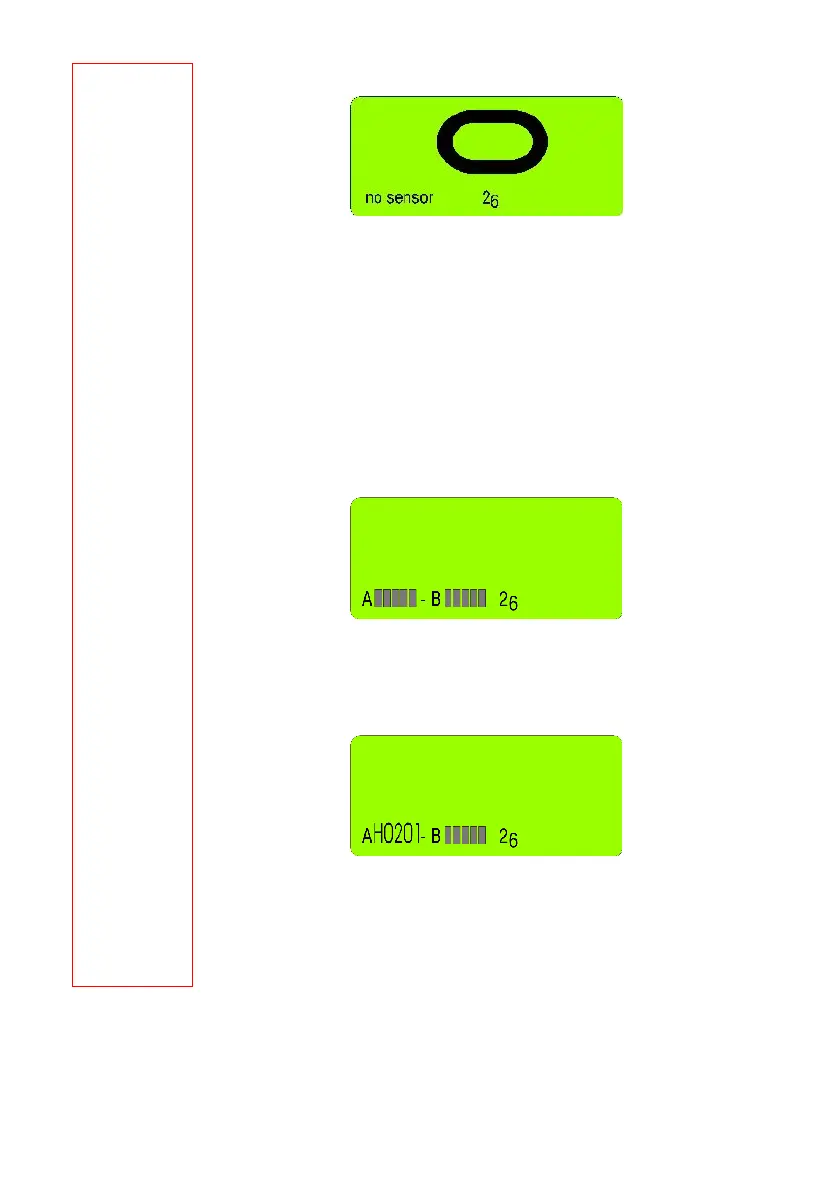
• "no sensor": no sensors found yet. NO sensors are connected via cables and no
instruments with wireless data transmission are registered.
In case the sensors should have been connected through cables, a REFRESH must
be performed after these have been connected. Press the key <ON/MODE>
repeatedly until [REFRRESH] appears on the display. Confirm with <ENTER>.
• Now the measuring mode and the sensors can be selected. Confirm with <ENTER>
and select the required configuration using the <ZERO/SELECT ±> key.
• measuring instrument port "A"
• measuring instrument port "B"
• measuring instrument port "A - measuring instrument port "B"
• measuring instruments port "A" and "B" simultaneously
During the selection the following picture will be shown (example)
Confirm the configuration selected with <ENTER>. The address of the sensor "A"
can now be selected with the keys <ZERO/SELECT
±>. Confirm the selection with
<ENTER>.
Select the address of the first sensor (measuring instrument) using the keys
<ZERO/SELECT
±> and confirm with <ENTER>.
The second sensor (measuring instrument) can be selected with the same
procedure
When setting the measuring system in operation next time a selection as described
above is not necessary again. The configuration last used will automatically be
started.



 To Next Page