page 20 of 84
cont.
SENSOR
(BlueMETER
BASIC only)
- Possible error messages in the display:
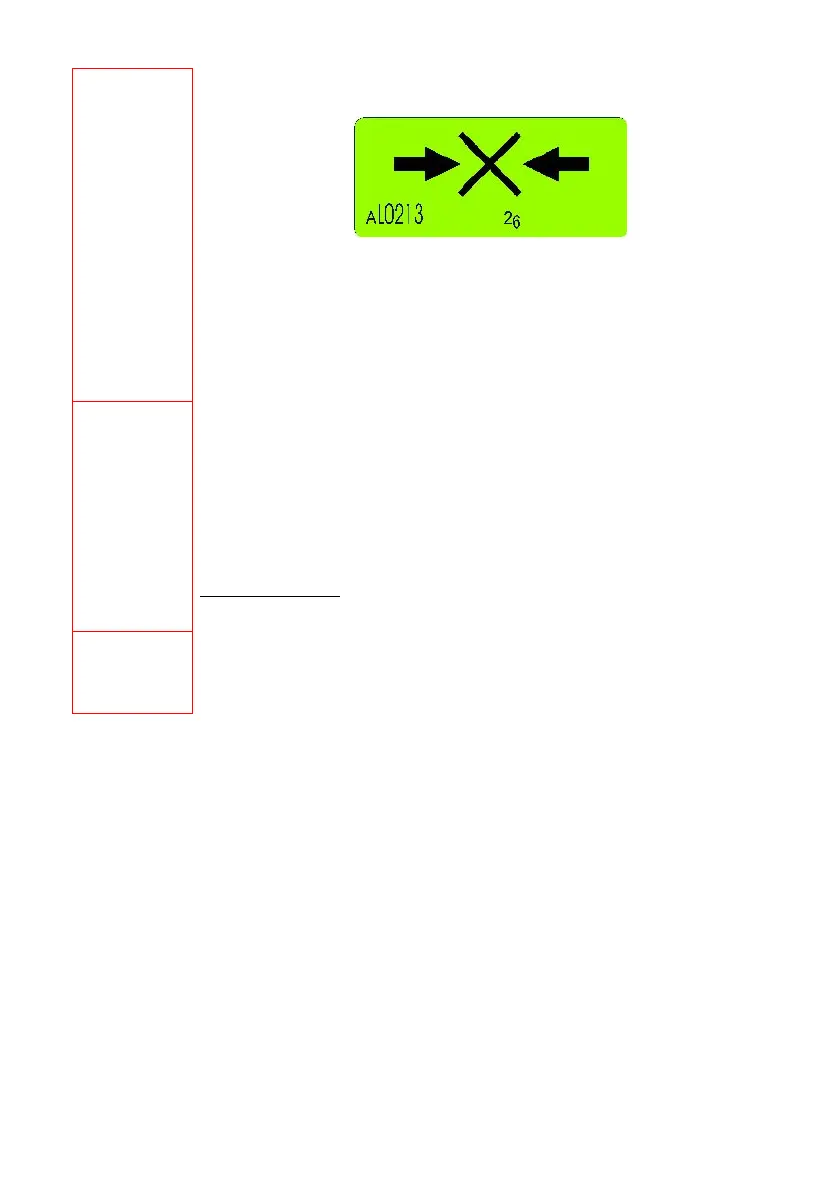
• When starting the system a cross between to arrows appears (picture above)
• If a cross between two arrows appears this is a hint that the sensor is listed in the
configuration of instruments but cannot be detected due to one of the following
reasons:
o The measuring instrument is not switched on
o The distance between the BlueMETER BASIC and the Blue LEVEL BASIC is
to long
o The wireless communication element on the measuring instrument is not
switched on
REFRESH
(BlueMETER
BASIC only)
Starts the search for instruments connected and registers them in the internal list of
instruments. Instruments not connected any more are marked in the list of instruments as not
present. To make a later search easier these remain, however, in the list.
The function REFRESH must be performed when new instruments have been connected. After
the REFRESH the instrument automatically executes the function SENSOR and waits for the
selection of a sensor.
If BlueLEVEL BASIC or BlueTC instruments, which have never before been linked to this
BlueMETER, should be used, these must be integrated step by step. After each new
instrument connected to a set of cables the function REFRESH must be performed again.
For BlueMETER only
ABSOLUTE
(BlueMETER
BASIC only)
Standard measuring mode, absolute measured value (Zero-offset considered). Provided that a
reversal measurement has been performed before, the instrument displays the actual deviation
from the absolutely horizontal plane.



 To Next Page