page 21 of 84
REL.ZERO
(BlueMETER
BASIC only)
With one
instrument (Display on the BlueMETER BASIC only)
Relative measured value (In the relative mode a "ZERO-OFFSET" determined e.g. by reversal
measurement is superimposed by the value "REL ZERO OFFSET")
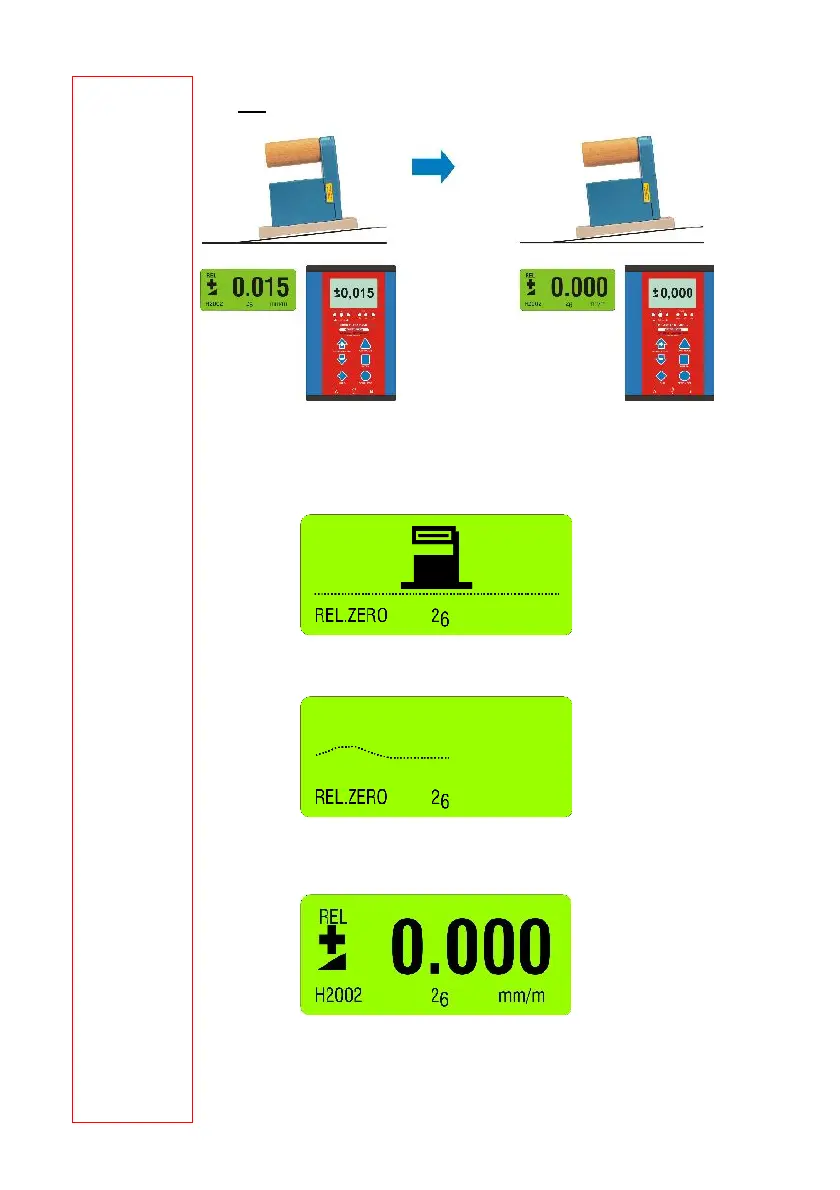
Use the key <ON/MODE> select the menu [REL.ZERO] and confirm with <ENTER>.
First the following picture is shown in the display of the BlueMETER BASIC.
Use <ENTER> or the IR-zapper for confirming the choice. The actual values are collected and
constantly displayed.
When the values have stabilized the relative ZERO can be confirmed with <ENTER> or with
the IR-zapper.
On the display the value “0.000” is seen. This is now the relative value considering the offset.
This value is used for all additional measurements as reference.



 To Next Page