page 22 of 84
Cont.
REL.ZERO
(BlueMETER
BASIC only)
Option
/ Manual setup
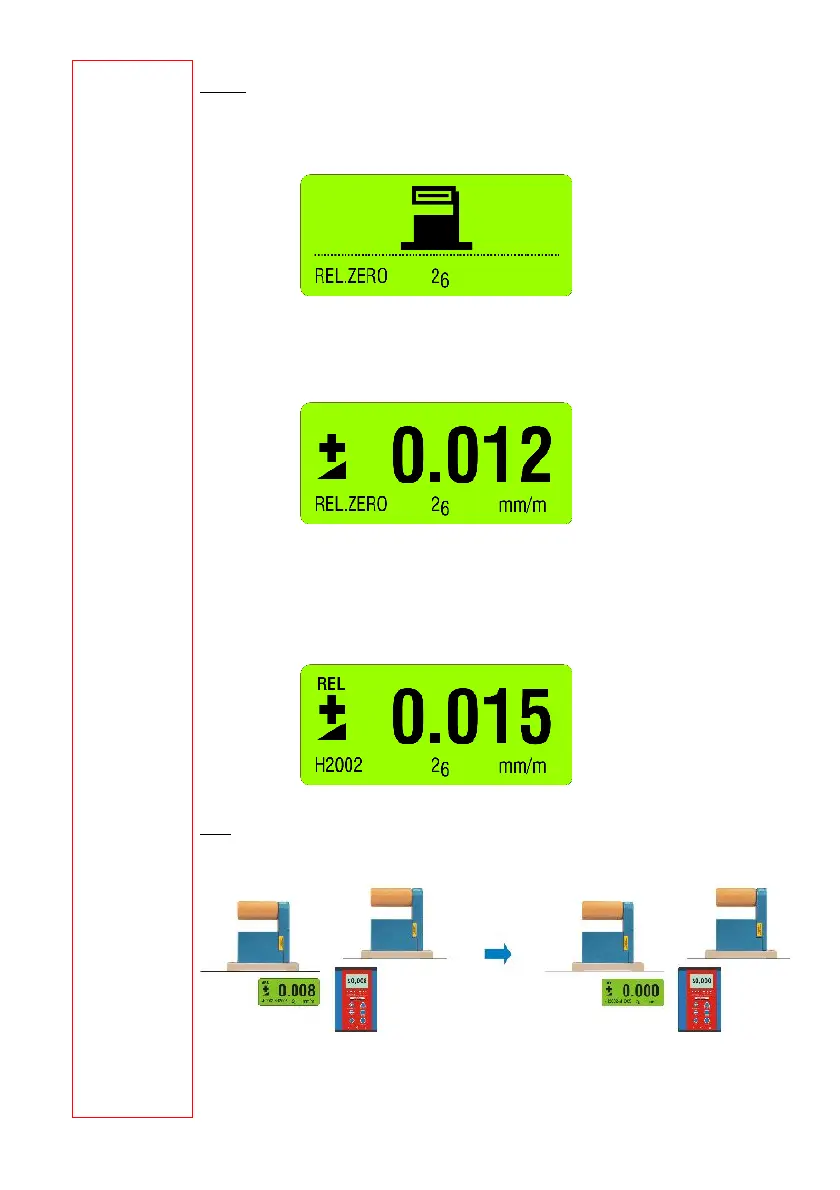
Use the key <ON/MODE> select [REL.ZERO] and confirm with <ENTER>. First the following
picture is shown in the display of the BlueMETER BASIC
Use <ON/MODE> for cancelling the procedure
The following picture is seen. It shows an earlier value for a ZERO OFFSET.
This value may now be changed manually with the keys <ZERO/SELECT
±> and then
confirmed with <ENTER>.
On the display the value is seen. This is now the relative value considering the offset. This
value is used for all additional measurements as reference. E.g.
Two instruments connected, differential measurement
Instrument "A" minus instrument "B"
Use the key <ON/MODE> select [REL.ZERO] and confirm with <ENTER>. First the following
picture is shown in the display



 To Next Page