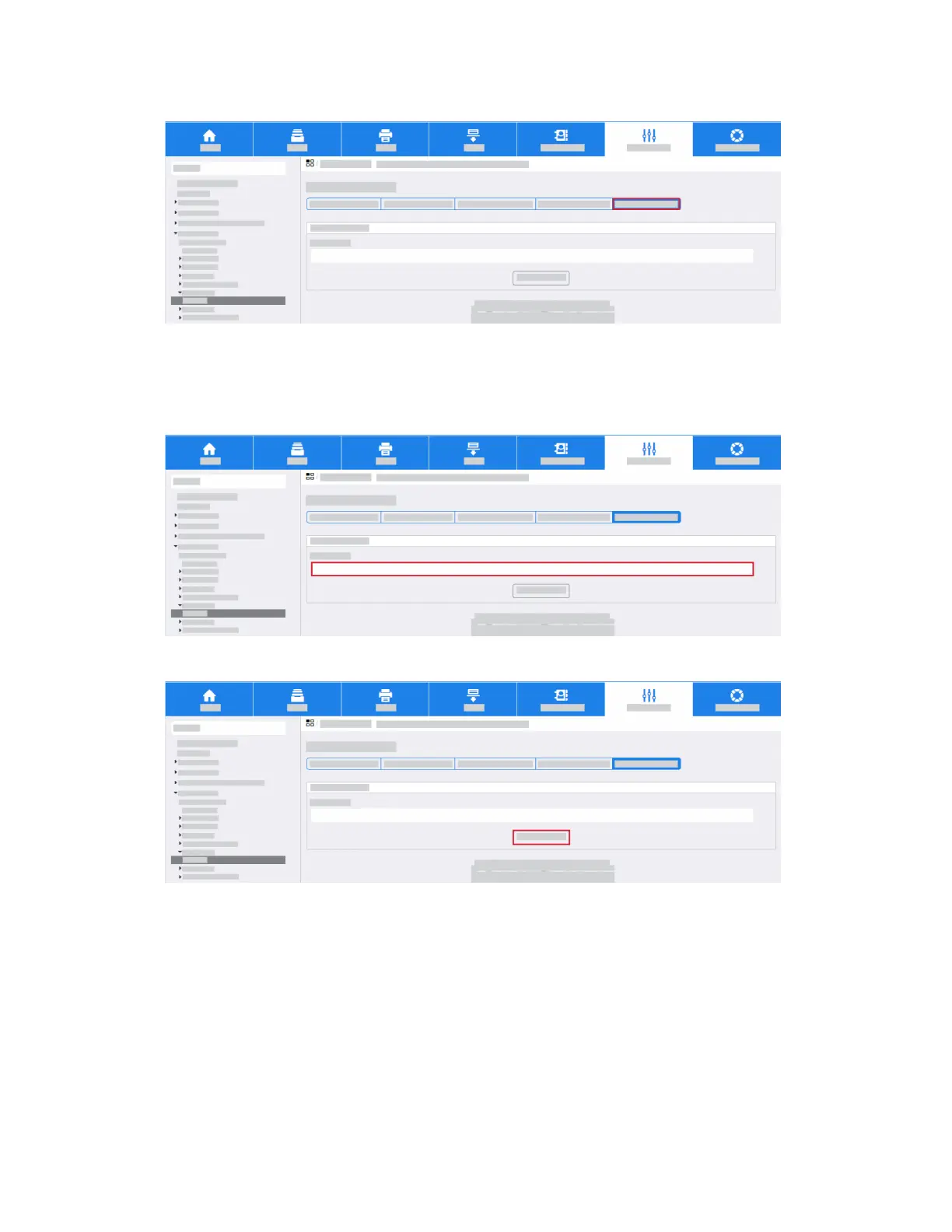
a. Click the Test Configuration tab.
Note
This screen allows you to send a test email to confirm that all email settings are correct.
b. Enter a valid email address in the To Address field.
c. Click Send Email.
Note
If the SMTP settings are correct, a success message appears and an email is received at the
address.
3-35Xerox
®
AltaLink
®
Series
Smart Card Installation and Configuration Guide
Installation



 To Next Page
 Loading...








