Installation
6 DocuMate 152 Scanner User’s Guide
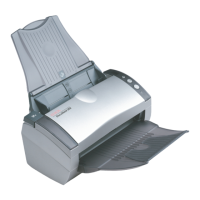
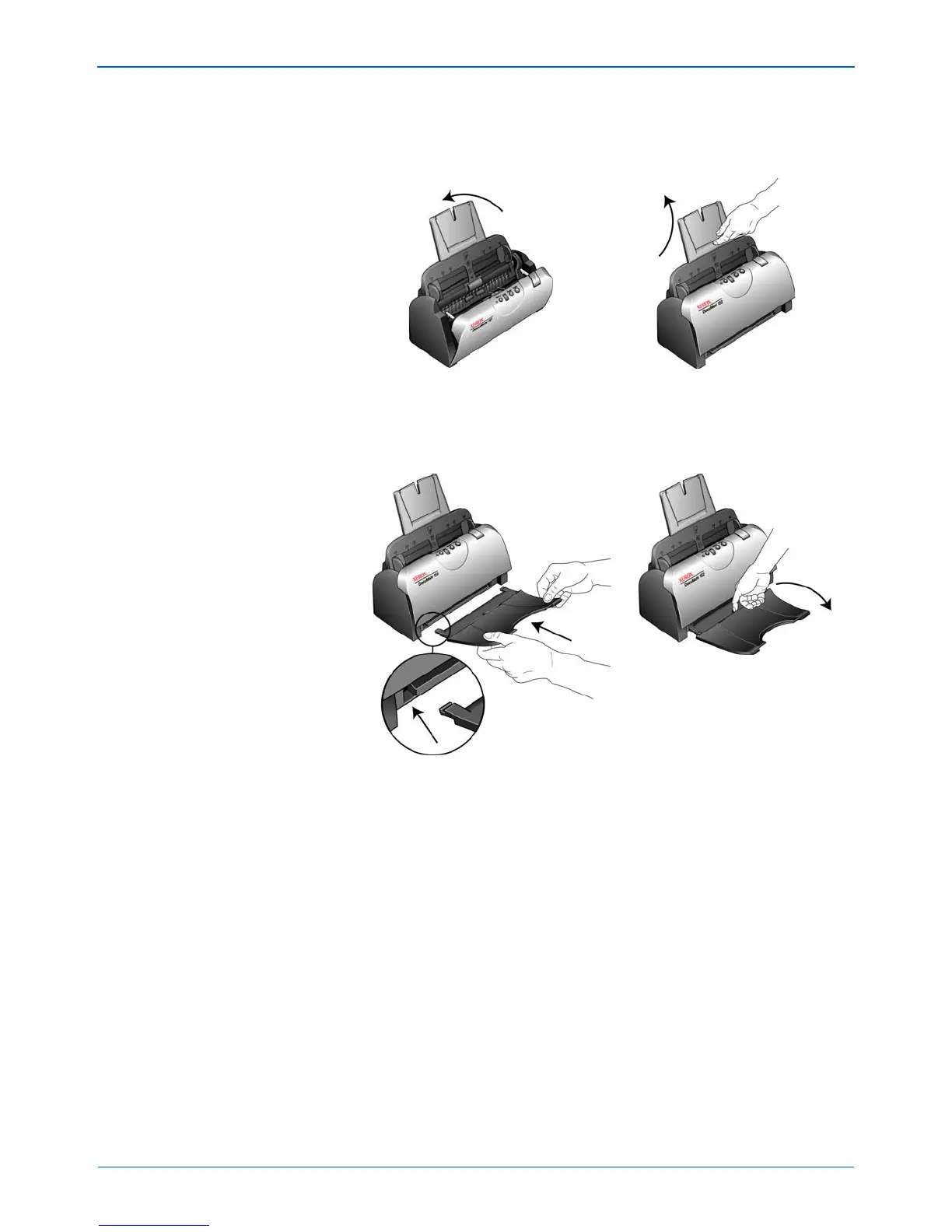
4. Swing the paper guide back until it snaps into place. Close the
scanner cover. Flip the paper guide extension up so it is fully
extended.
5. Insert the pins on each side of the output tray into the holes on
the scanner. Flip open the extension on the output tray so it is
fully extended.
6. Proceed to “Step 2: Install the Software.”


 To Next Page
 Loading...