Advanced Options
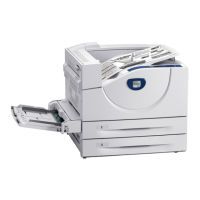
Phaser® 5550 Printer
4-61
Printing Edge-To-Edge
You can print documents to the edge of the page instead of having the standard margins.
To print documents to the edge of the page in a supported driver:
Note: When Edge-To-Edge Printing is set to On, documents print to the edge of the page.
When set to Off, documents are printed with standard margins.
See also:
Scaling on page 4-60
Operating System Steps
Windows 2000 or later 1. Select the Advanced tab.
2. Set Edge-To-Edge Printing to On.
Mac OS X (version 10.3
and higher)
1. Submit your print job from your application. On the Printer
drop-down list, select the Phaser 5550 printer.
2. On the pane selection drop-down list, select Paper Feed Options.
3. Set Edge-To-Edge Printing to On.








 To Next Page