Troubleshooting
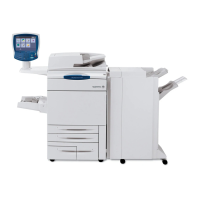
WorkCentre 7755/7765/7775 Multifunction Printer
User Guide
211
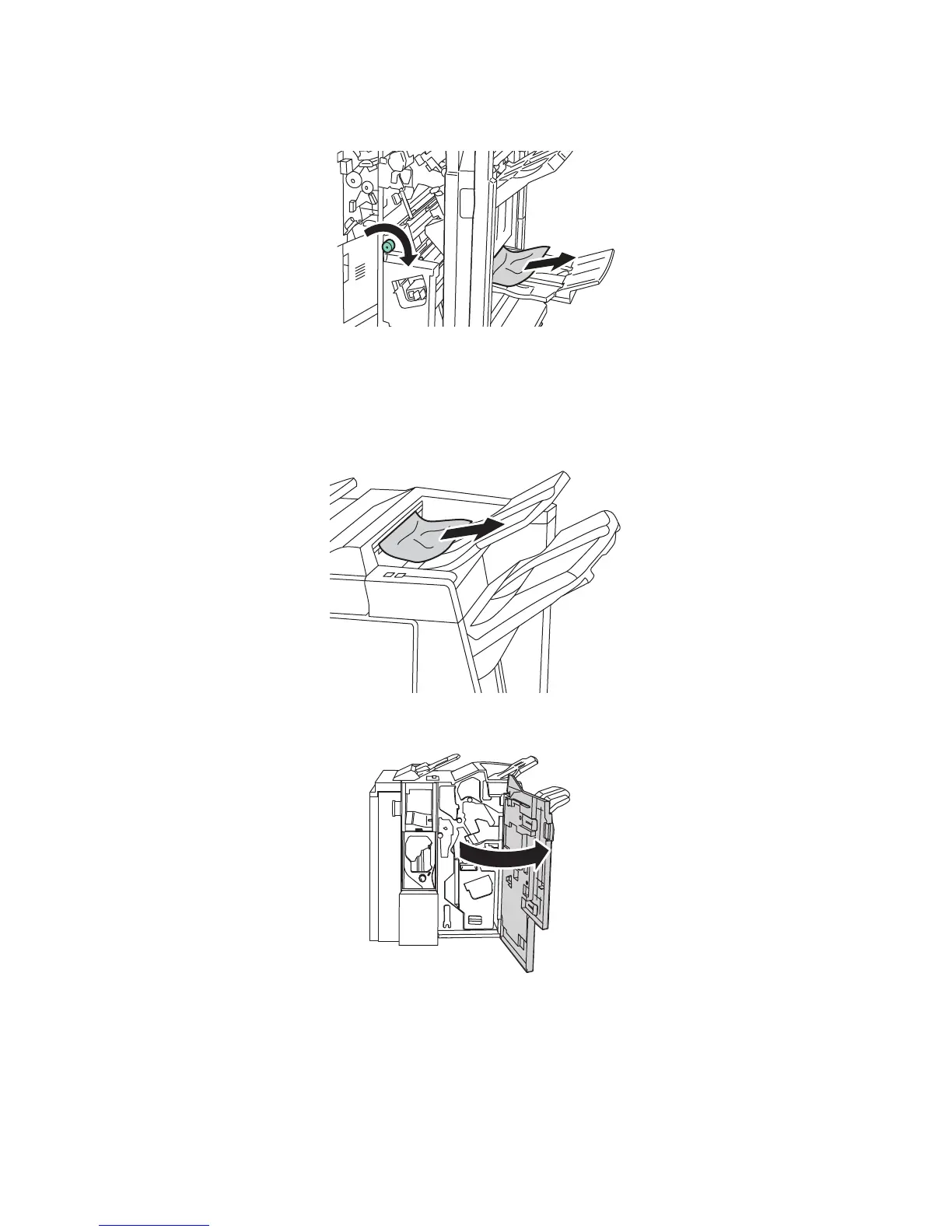
2. Turn green knob 4a in the direction shown. Remove the jammed paper from the tray.
3. Close the right finisher door.
Clearing Jams from the Finisher Tray
1. Remove any jammed paper from the tray. If paper is torn, look inside the printer for torn pieces.
2. Open, then close the right finisher door.



 To Next Page