4
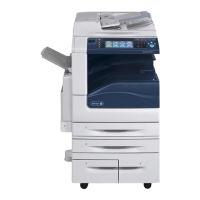
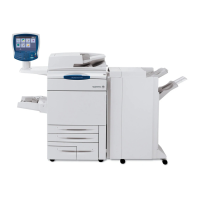
WorkCentre 7755/7765/7775 Multifunction Printer
User Guide
39
Printing
This chapter includes:
• Printing Overview on page 40
• Supported Media on page 41
• Loading Media on page 43
• Printing on Special Media on page 54
• Selecting Printing Options on page 58
• Printing on Both Sides of the Paper on page 63
• Selecting the Paper to Use on page 65
• Printing Multiple Pages to a Single Sheet (N-Up) on page 66
• Printing Booklets on page 67
• Using Color Corrections on page 70
• Printing in Black and White on page 74
• Printing Insert Pages on page 75
• Printing Cover Pages on page 76
• Printing Exception Pages on page 78
• Scaling on page 79
• Printing Watermarks on page 80
• Printing Mirror Images on page 82
• Creating and Saving Custom Sizes on page 83
• Job Completion Notification for Windows on page 84
• Printing Special Job Types on page 85



 To Next Page


