15
Getting Started
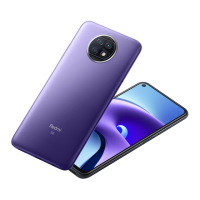
Redmi Note 9T
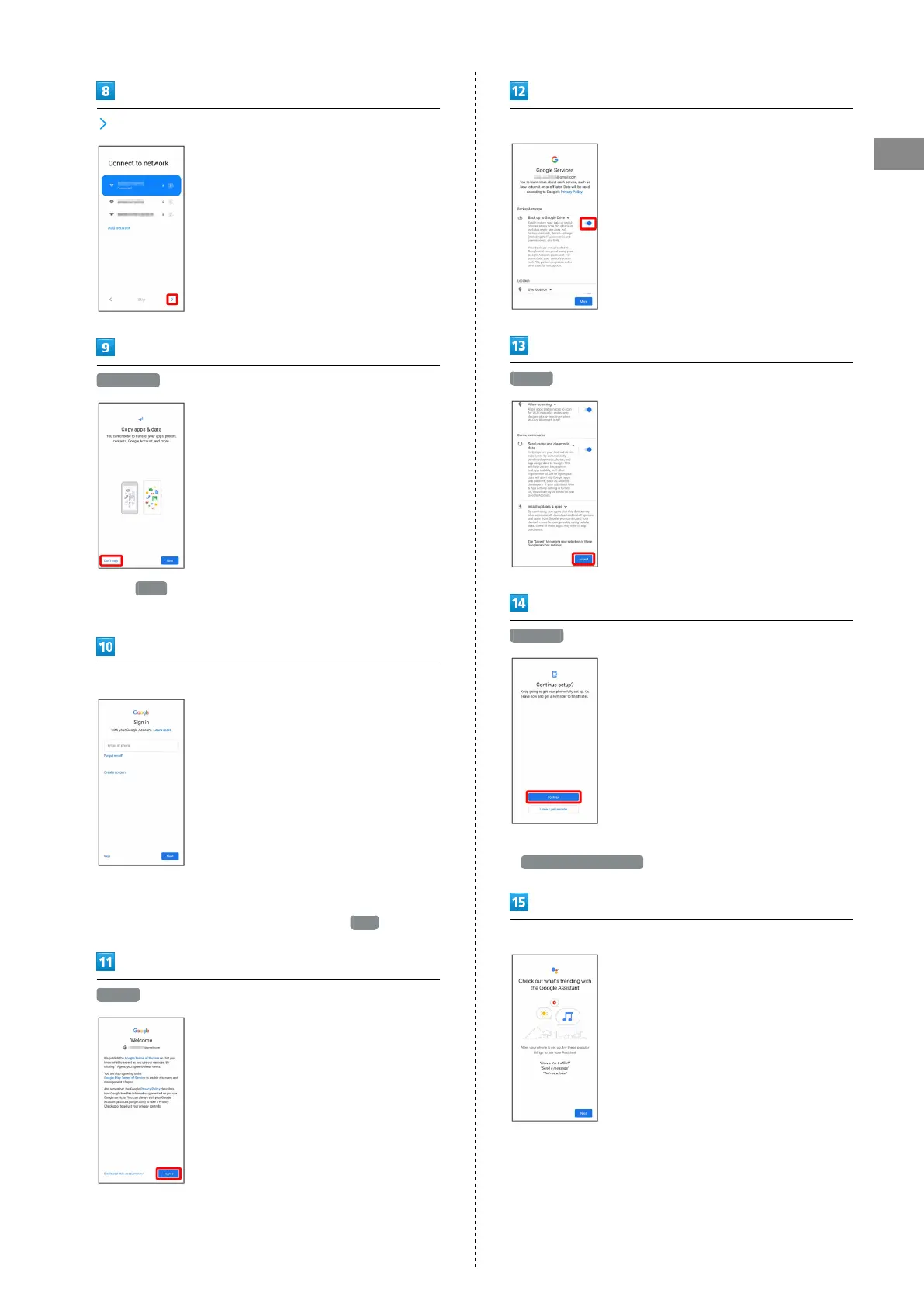
Don't copy
・
Tap Next to copy data from another mobile with Google
account settings. Follow onscreen prompts.
Sign in with Google Account
・For details on Google accounts, see "Creating a Google
Account."
・
If not making Google account settings, Tap Skip .
I agree
Set/check Google Services
Accept
Continue
・To finish initial settings later and receive a reminder, Tap
Leave & get reminder .
Follow onscreen prompts to set Google Assistant™











 To Next Page