81
Global Services
Redmi Note 9T
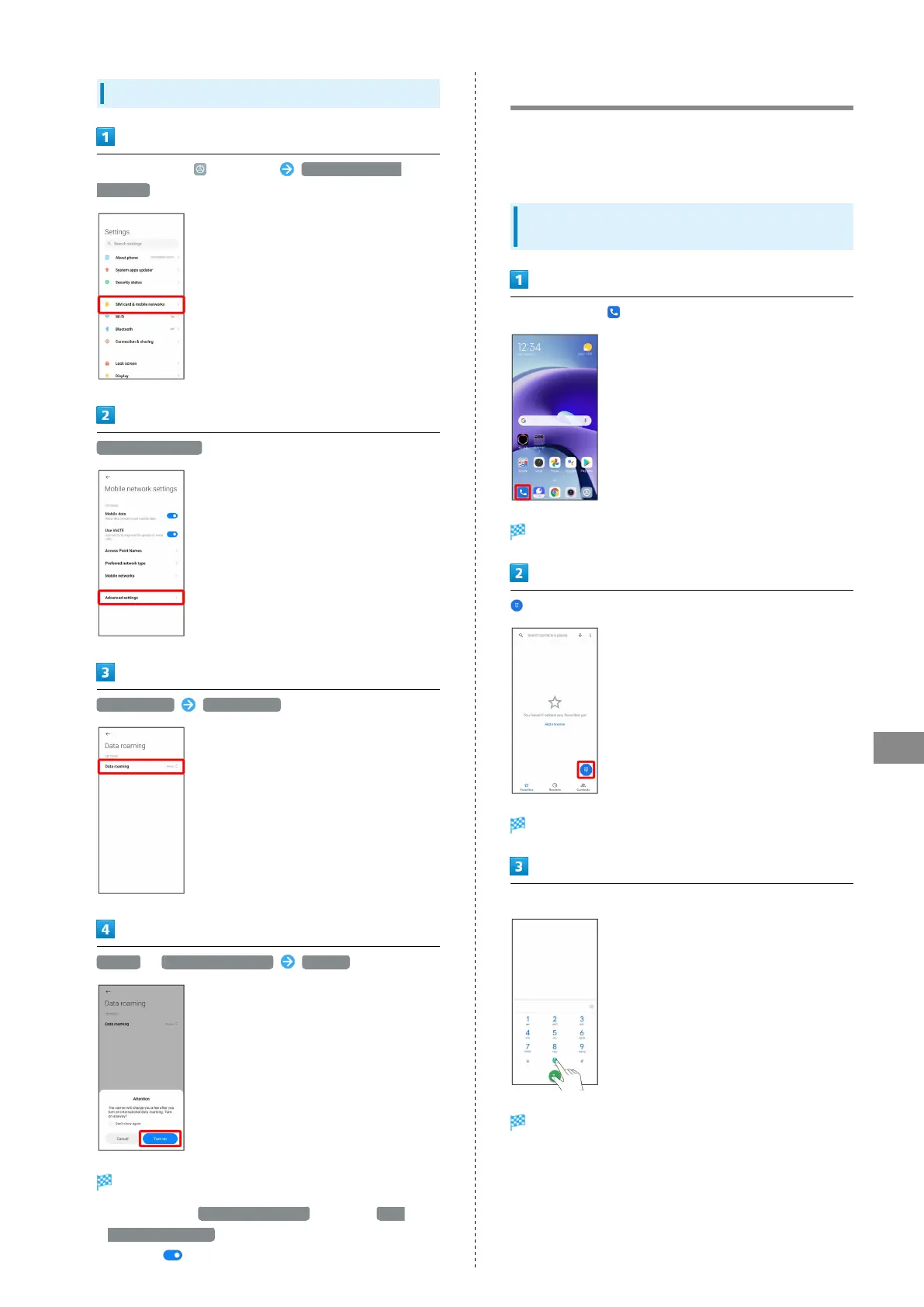
Changing Data Roaming Setting
In Home Screen, (Settings) SIM card & mobile
networks
Advanced settings
Data roaming Data roaming
Always / For exceptions only Turn on
Data roaming is disabled.
・
After selecting For exceptions only , next Tap Data
roaming exceptions , and select application for using data
roaming ( ).
Making Calls while Abroad
See SoftBank Website to learn about roaming areas/services,
etc.
https://www.softbank.jp/en/mobile/service/global/
International Calls to Japan and Other
Countries from Abroad
In Home Screen, (Phone)
Phone opens.
Call window opens.
Touch & Hold "0"
"+" appears.















 To Next Page