ADPROPROE by Xtralis Installation Guide
27386_05 11
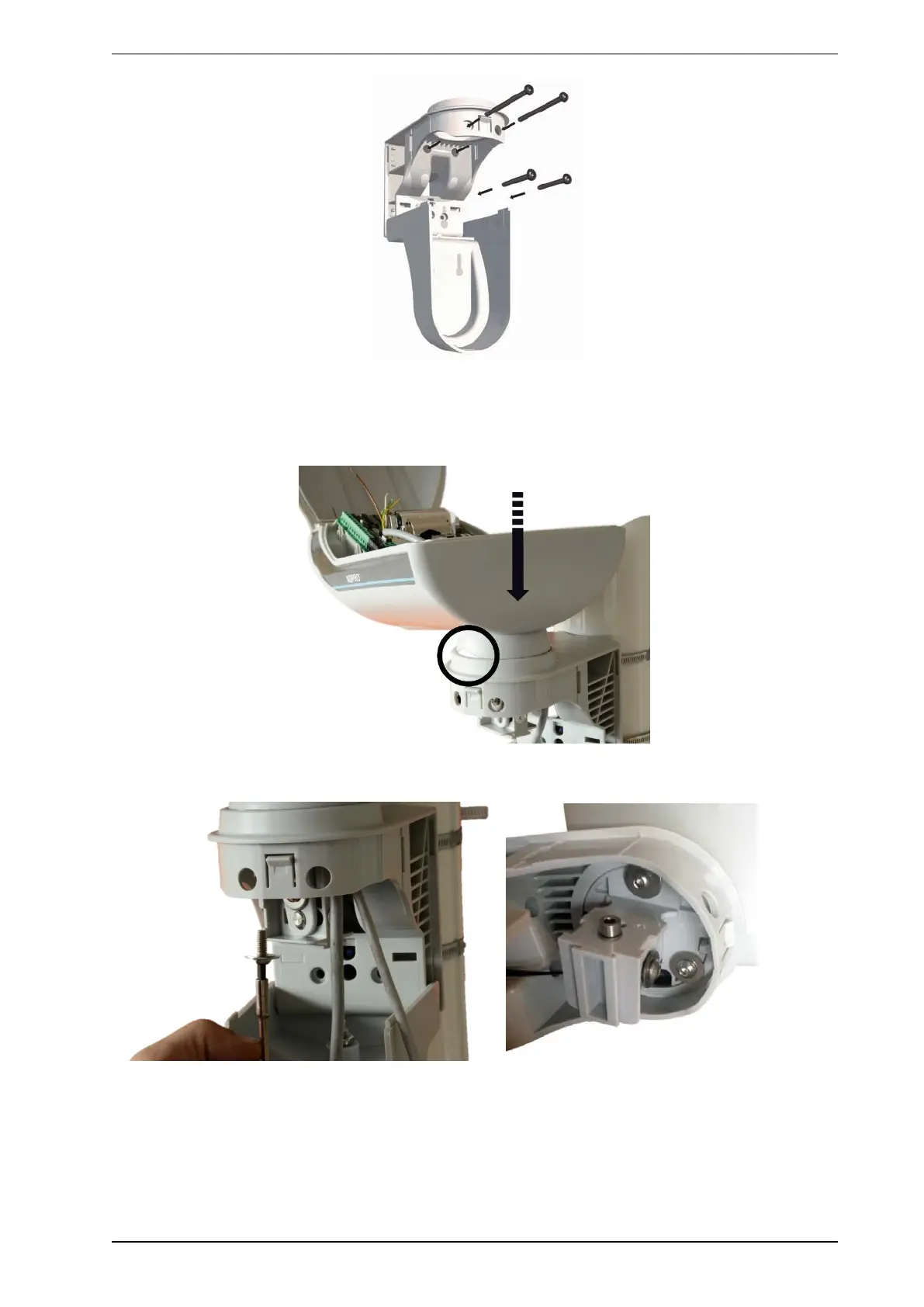
2.6.1 Installation of detector in detector holder
1. Place the detector as shown and press it in lightly into the detector arm till it locks into place and the
lateral notches are no longer visible.
2. Insert the three hexagon socket screws supplied as shown and screw these in so that the detector does
not wobble appreciably but can still move horizontally. Do not tighten!
3. Align the detector horizontally carefully.



 To Next Page