Installation Guide ADPROPROE by Xtralis
20 27386_05
2.9 PRO E-RF Installation steps
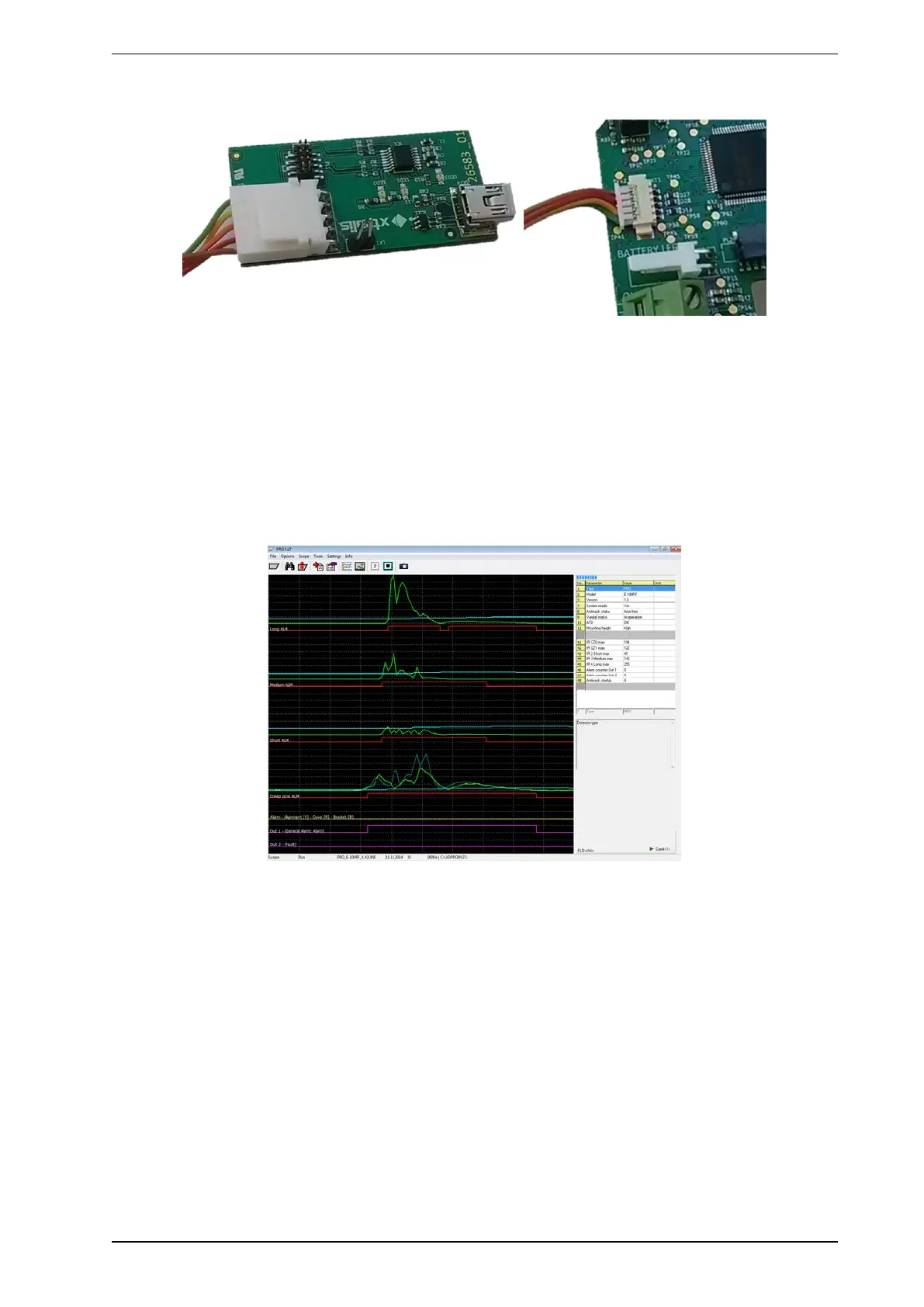
PRO E-RF detectors use the PRO E-IFM-RF as a custom data interface instead of standard RS-485 in order
to reduce power consumption.
Note:
l Once connected to the PC, installation, drivers and use are the same as with the RS-485 interface (IFM-
485-ST). See the ADPRO PRO E PIR System Setup Guide, document no. (26571), PRO E-Tool
Software section.
PRO software (Version 9.27 and up) fully supports PRO E wireless detectors, once connected via PRO E-
IFM-RF module.
All sensors, thresholds and alarm channels appear in real time as shown below:
All settings are identical to the standard PRO E detector, but reflect PRO E-RF features (only one output, no
proximity switch to reset in cover to reset).
When using SW settings, make sure that DIP switch 1 & 2 are off (default).



 To Next Page