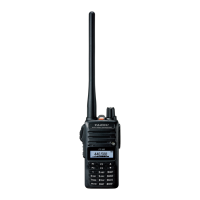
Once you have set up an appropriate frequency inside one of the 144 MHz or 430
MHz Amateur bands on which the FT-65R/E can transmit, you’re ready to go on
the air! These are the most basic steps; more advanced aspects of transmitter
operation will be discussed later.
T
o transmit, press the PTT switch, and speak into the front panel micro
-
phone (located in the lower left-hand corner of the speaker grille) in a nor-
mal voice level. The TX/BUSY indicator will glow red during transmission.
T
o return to the receive mode, release the PTT switch.
During transmission, the relative power level will be indicated on the bar
graph
at
the
bottom
of
the
LCD;
full
scale
deection
conrms
“
High Power”
operation,
while
deection
of
one
bar
indicates
“
Low Power” operation. Five
bars indicates “Medium Power” operation. Additionally, the “LOW” icon will
appear at the bottom of the display while operating on the “Low Power” and
“Medium Power” settings.
Changing the Transmitter Power Level
To change the power level:
Press the
F/W key, then press the
[
3] key. The LCD shows the current pow-
er output level.
Press
the
[
] or
[
] key
to select the desired power output level. Available
selections are “HI ” (5 W), “MID” (2.5 W), and “LOW” (0.5 W).
When you have made your choice, press the
PTT switch to save the new
setting and return to normal operation.
8


 To Next Page