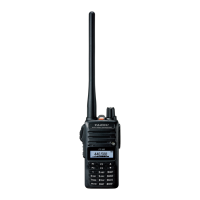
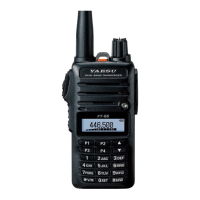
The FT-65R/E’s synthesizer provides the option of utilizing channel steps of
5/6.25/10/12.5/15/20/25/50/100 kHz per step, as well as an automatic step
selection based on the current operating frequency (“AUTO”), any number of
which may be important to your operating requirements. The FT-65R/E is set
up at the factory in the “AUTO”
conguration,
which
probably
is
satisfactory
for
most operation. However
, if you need to change the channel step increments,
the procedure to do so is very easy.
1.
Press the
F/W key, then press the
[
0
SET] key to enter the Set mode.
2. Pressthe[▲]or[▼]keytoselectSetModeItem“31: STEP”.
3.
Press the
F/W key momentarily to enable adjustment of this Item.
4. Press[▲][▼]keytoselectthenewchannelstepsize.
5.
When
you have made your selection,press the PTT switch to save the new
setting and return to normal operation.
23


 To Next Page