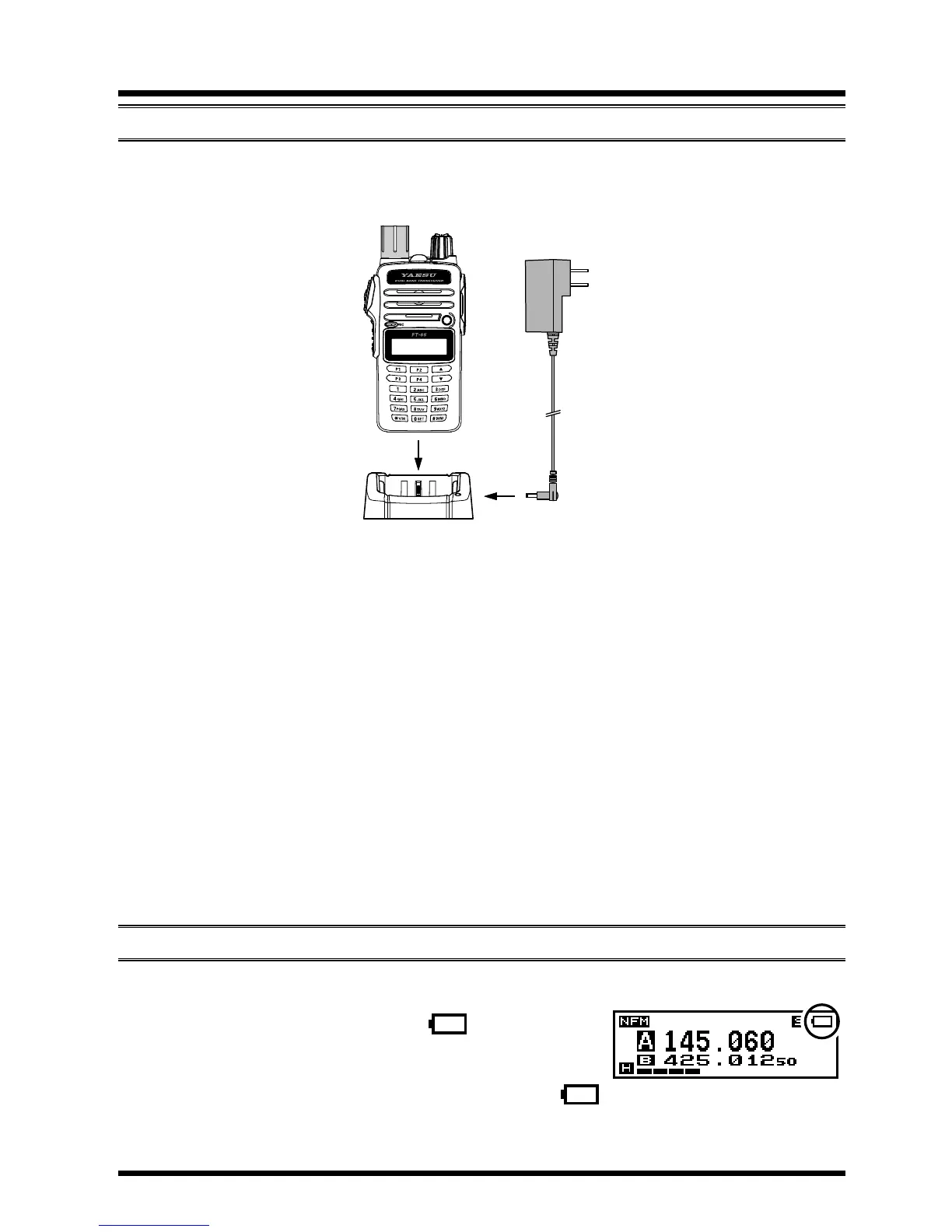
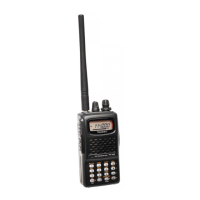
If the battery has never been used, or its charge is depleted, it may be charged
by connecting the SAD-20 AC adapter to the SBH-22 desktop charger, and place
the FT-65R/E in the desktop charger cradle.
A fully-discharged pack will be charged completely in 10 hours. Disconnect the
SAD-20 from the EXT DC jack and the AC line outlet. If you use the SBH-22
Rapid Charger, a fully-discharged pack will charge completely in 2.5 - 3 hours
(de-pending on the battery being charged).
Important Note
The SAD-20 is not designed to power the transceiver for operation (re
-
ception or transmission).
Do
not leave the SAD-20 connected to the transceiver for continuous
periods in excess of 24 hours. Long term overcharging can degrade
the Li-Ion battery pack and signicantly shorten its useful life (European
and Asian versions).
Please be advised that the SAD-20 may contribute noise to TV and ra
-
dio reception in the immediate vicinity, so we do not recommend its
use adjacent to such devices.
As your battery discharges during use, the voltage will gradually become
lower. When the battery voltage is becoming too
low for reliable operation, the “
” icon will blink
on the LCD display, indicating that the battery
pack must be recharged before further use.
A
void recharging Li-Ion batteries before the “
” indicator is observed, as this can degrade the charge capacity of your Li-
Ion battery pack.
AC line outlet
FT-65R/E / SBH-22 with SAD-20
5


 To Next Page