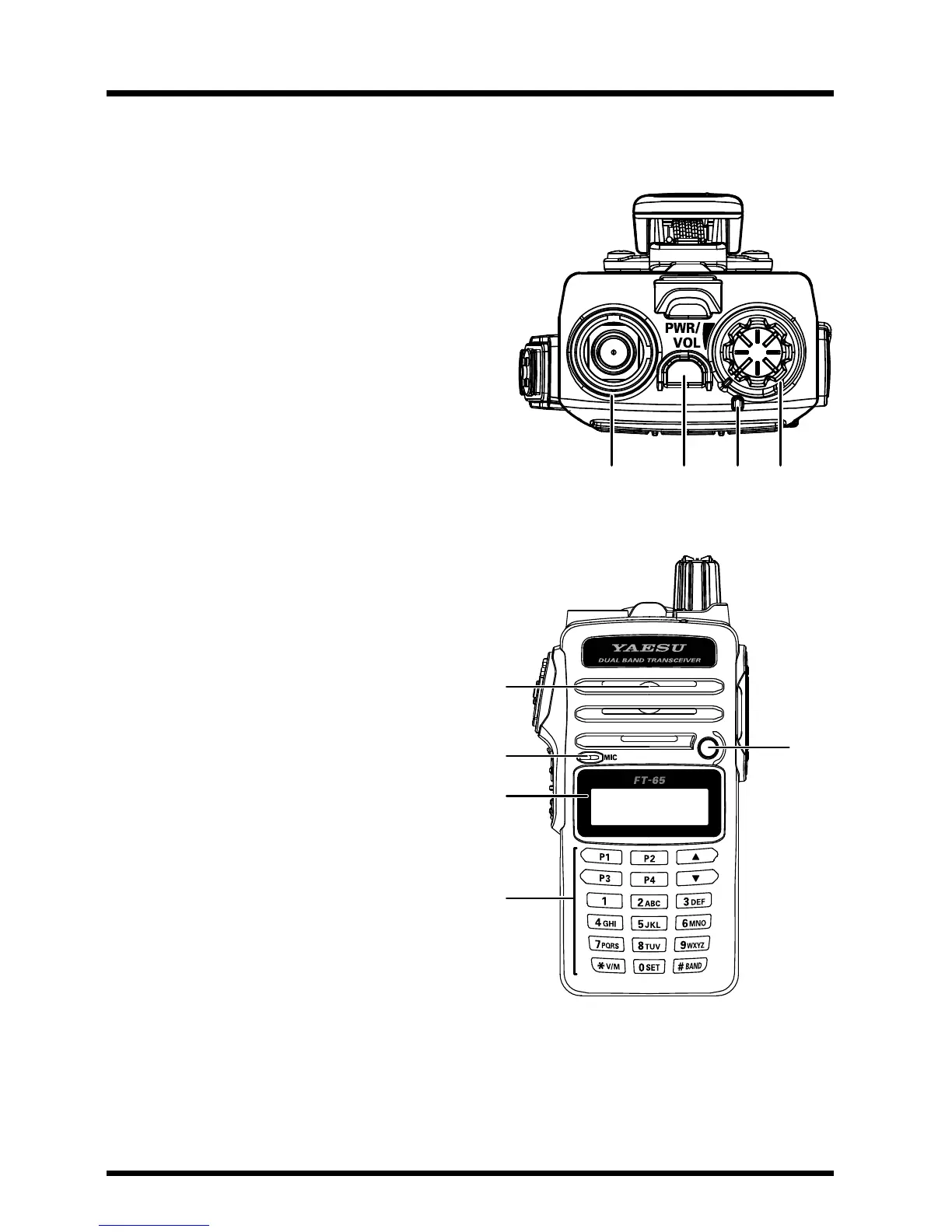
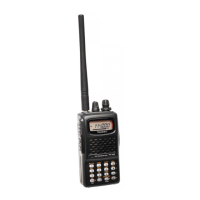
Antenna Jack
Connectthesuppliedrubberexantenna(oranotherantennapresentinga
50-Ohm impedance) here.
Emergency Switch
• Pressing this switch shortly turns on the
LED Flash-Light.
• Pressing and hold it for 3sec enables
the Emergency Alarm beep functions.
•
Press the F/W
key
on
the
keypad
rst,
then
press this switch to blink the LED
Flash-Light for SOS
TX/BUSY Indicator Lamp
This indicator glows green when the
squelch opens, and turns red during
transmit.
PWR/VOL Knob
Turn this control clockwise to turn
the radio on and to increase the
volume. Counter-clockwise rotation
into the click-stop will turn the radio
off.
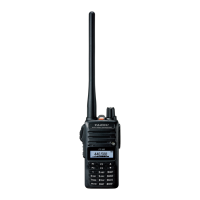
Speaker
The internal speaker is located
here.
Microphone
The internal microphone is located
here.
LED Flash-Light
LCD (Liquid Crystal
Display)
The display shows current operating condition.
Keypad
These 18 keys select many of most important operating features on the FT-
65R/E.


 To Next Page