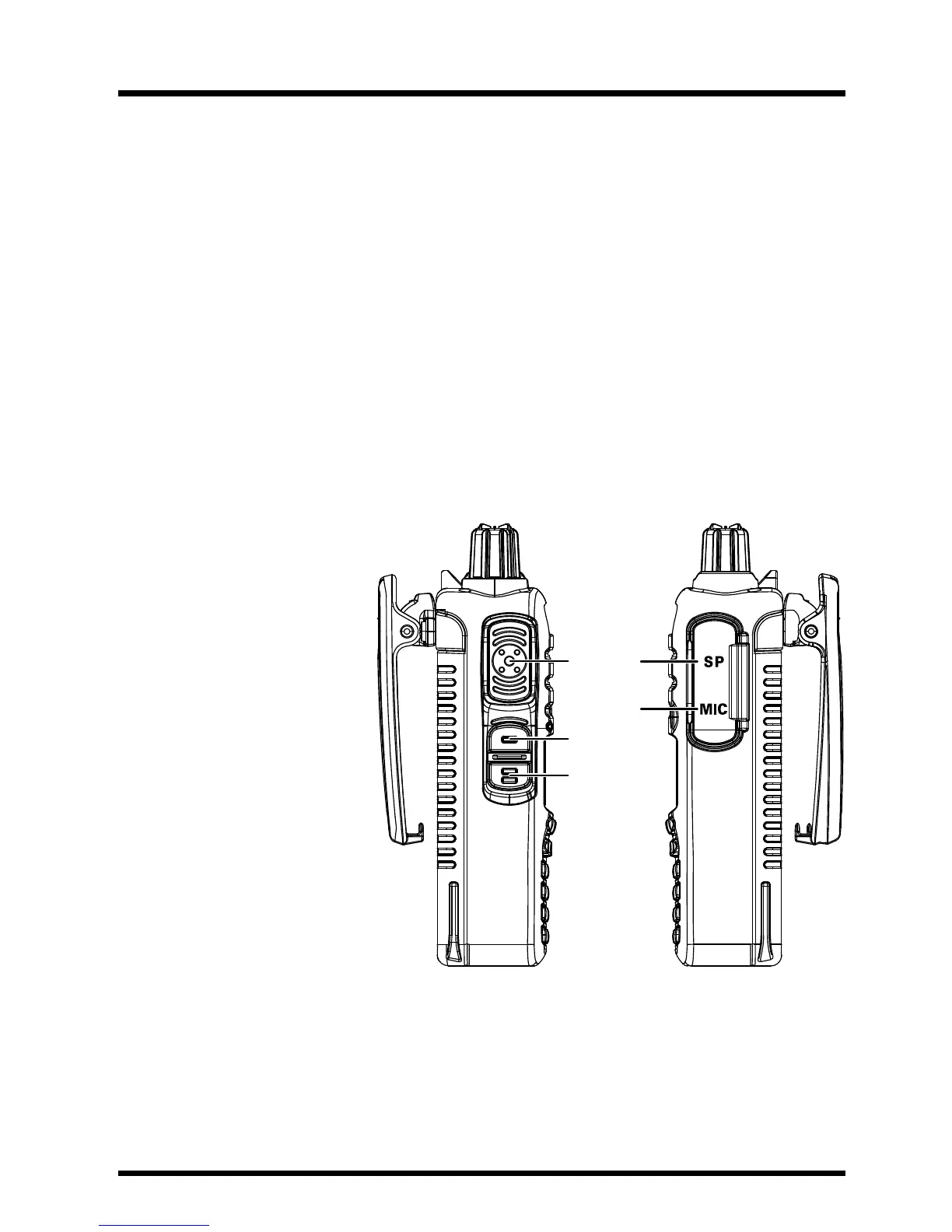
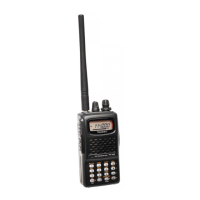
PTT (Push To Talk) Switch
• Press this switch to transmit, and release it (to receive) after your transmis-
sion is completed.
•
In the Set mode, press this switch to save the new setting and return to
normal operation.
MONI/T.CALL Switch(selectable version from Set mode)
USA/EXP Version:
Pressing this switch
opens the noise squelching action, allowing you to hear
very weak signals near the background noise level temporarily.
Europe V
ersion:
Pressing this switch activates the
T-CALL (1750 Hz) for repeater access.
F/W key
• Press this key, then press [0 SET] to activate Set mode.
•
Press this key
, then press the [6] key to lock out the keypad.
SP Jack
This three-conduc-
tor miniature jack
pr
ovides connection
pointsforexternal
speaker
.
MIC Jack
This three-conduc-
tor miniature jack
pr
ovides connection
points for microphone
audio, earphone au-
dio, PTT, and ground.


 To Next Page